
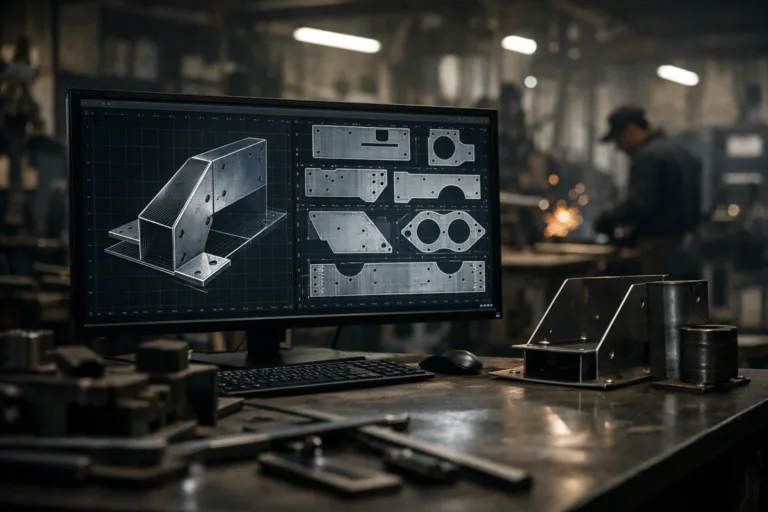
Introduction: Why Digital Pattern Conversion Matters
In today’s fast-evolving manufacturing world, precision and efficiency are more than buzzwords—they’re vital keys to staying competitive. Converting digital patterns, especially when working with DXF files and meeting AAMA and ASTM standards, has become foundational in metal fabrication and countless other industries. If you are curious about how these digital formats fuel modern production, optimize accuracy, and uphold industry compliance, this guide unpacks everything you need to know—minus the jargon.
Understanding Digital Patterns in Manufacturing
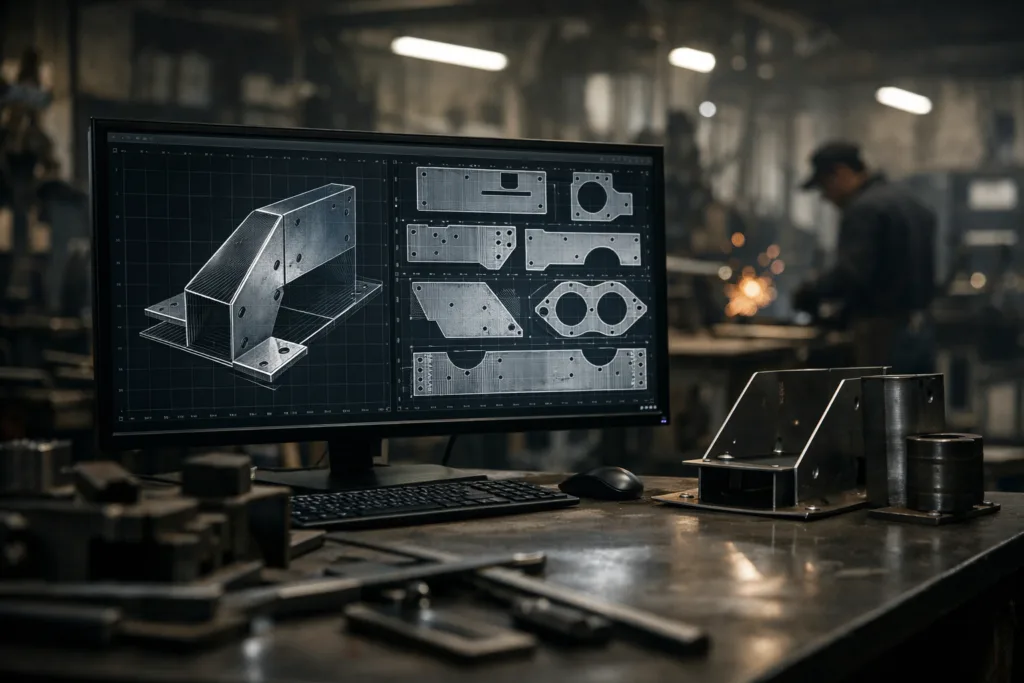
Digital patterns are digital representations of designs used to guide manufacturing equipment. Instead of old-school paper templates, digital files bring patterns straight to the machines, speeding up workflows, reducing errors, and making it easy to tweak or scale designs instantly. Whether you’re cutting steel, etching aluminum, or working with other metals, digital patterns keep your shop floor humming efficiently.
What is a DXF File?
DXF (Drawing Exchange Format) files are the universal language for sharing 2D drawings and patterns across various CAD (computer-aided design) platforms. Created by Autodesk, DXF’s open structure gives manufacturers the flexibility to exchange design data without worrying about software compatibility. Their role in CNC machining and laser cutting can’t be overstated—every line and curve in a DXF file helps guide motors, cutters, and welders with pinpoint accuracy.
Advantages of DXF Files for Metal Fabrication
- Compatibility: DXF files work across nearly all CAD and CAM software.
- Scalability: Easily adapt patterns for different sizes and production runs.
- Precision: Accurate geometric data ensures clean, repeatable cuts.
- Automation: Streamlines integration with CNC machines and robotic systems.
Challenges When Handling DXF Files
- File Size: Large designs can create bloated files, slowing down processing.
- Layer Management: Incorrect usage may result in lost or misinterpreted data.
- Translation Errors: Converting between CAD platforms can sometimes distort patterns.
Introduction to AAMA and ASTM Standards
The American Architectural Manufacturers Association (AAMA) and ASTM International set standards for quality and performance in building products, including metal components. These standards dictate specifications for durability, safety, and performance in pattern making and finished products.
Defining AAMA Standards in Pattern Making
AAMA standards focus on performance criteria, such as dimensional stability, weather resistance, and material finishes. For digital patterns, following AAMA specifications ensures that fabricated parts meet industry benchmarks—crucial for architectural and structural components.
Understanding ASTM Standards for Metal Products
ASTM standards cover everything from chemical composition to stress tolerances in metals. When converting digital patterns for metal fabrication, complying with the relevant ASTM standards makes your process audit-friendly and reduces the risk of costly errors down the line.
The Role of Digital Patterns in Compliance
Sticking to AAMA and ASTM standards during digital pattern design keeps your projects on track with regulations. This compliance is particularly important in sectors like construction or automotive manufacturing, where failures result in serious safety hazards and financial losses.
How Digital Patterns Streamline CNC Machining
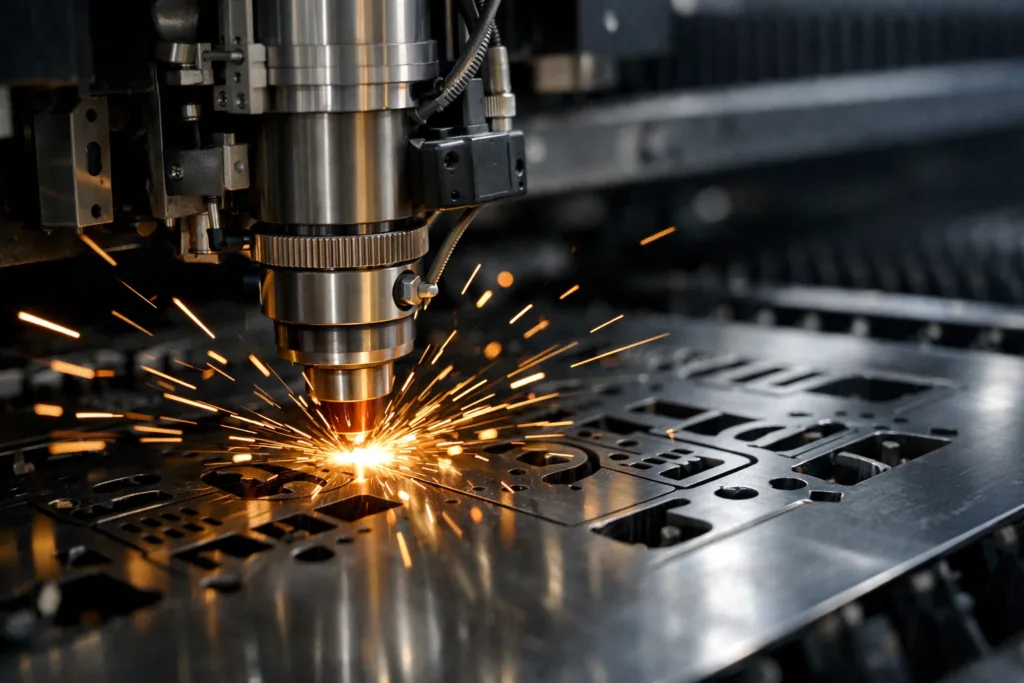
CNC (computer numerical control) machining relies on clear, unambiguous pathing. Digital patterns (often in DXF format) eliminate guesswork by providing machine code that ensures every cut, hole, or weld aligns with the designer’s intent. This drives down waste, improves tolerances, and supports mass customization.
Practical Workflow: Converting Patterns to DXF
- Step 1: Draft the pattern in your CAD software (e.g., AutoCAD, SolidWorks).
- Step 2: Clean up and flatten the drawing—remove redundant layers and standardize dimensions.
- Step 3: Export to DXF, selecting the correct version for your hardware/software.
- Step 4: Test-import the DXF into your CAM or CNC system to verify accuracy before production.
Best Practices for File Conversion
- Always preserve the original file as a backup.
- Use consistent layer names and color codes for critical features (e.g., cut lines, engravings).
- Regularly calibrate your CAD/CAM software’s unit settings (inch vs. mm) to avoid scaling mishaps.
- Lean on Apparel Wiki resources to clarify pattern grading rules and measurement standards if ambiguities arise.
Troubleshooting Common Conversion Issues
Some problems pop up over and over—missed notches, distorted curves, or missing seam allowances. For comprehensive troubleshooting strategies, check out techniques that can resolve these problems quickly in pattern making. Ensuring these elements remain intact during conversion is essential for both fit and function, especially in multi-step metal fabrication projects.
When to Use AAMA, ASTM, or Both?
If your components are destined for architectural applications, AAMA standards often take priority. For general durability or material-specific requirements, ASTM standards provide a broader framework. Double-check contracts and specs to confirm which set of rules (or both) your digital patterns must meet.
Industry Applications: Real-World Examples
- Building Facades: Digital patterns cut to AAMA standards ensure aluminum panels are uniform, weather-resistant, and meet aesthetic criteria.
- Automotive Reinforcements: ASTM-compliant designs guarantee that structural steel reinforcements perform as intended, from crash rails to seat brackets.
- HVAC Louvers: Mixed standards may apply for precision-cut openings that maximize airflow and structural integrity.
How AAMA and ASTM Compliance Influences Quality Assurance
Quality control inspectors often review digital patterns and their conversion records as part of compliance audits. Traceable, standards-aligned files protect you during disputes and ensure components perform as intended under field conditions.
CAD Tools for High-Quality Pattern Conversion
Popular CAD platforms like AutoCAD, SolidWorks, and Rhino allow robust pattern creation and export. Some, like Gerber or Lectra, are tailored for apparel or soft goods, but even they now offer strong support for metalworking applications. For an in-depth look at how CAD systems are transforming digital pattern making, consider industry expert comparisons.
Comparing DXF, AAMA, and ASTM Requirements: Quick Reference Table
| Attribute | DXF File | AAMA | ASTM |
|---|---|---|---|
| File Type | 2D/3D vector graphic | N/A (Performance Rules) | N/A (Material/Test Standards) |
| Application | CNC, CAD/CAM | Architectural metal, glazing | All metals, construction |
| Focus | Design accuracy | Performance/durability | Composition/strength/testing |
| Enforcement | Technical | Mandated for public projects | Universal industrial compliance |
Ensuring Data Integrity Across Conversions
Each conversion step—from drafting, exporting, to CNC integration—poses the risk of losing vital details. Always double-check seam allowances, annotations, and grades. Apparel Wiki guides on pattern symbols and garment standards may be helpful during these checks, ensuring nothing is lost in translation between formats or machine instructions.
Optimizing for Error-Free Production Runs
- Automate pre-flight file checks before releasing a pattern to the shop floor.
- Test small batches before committing to high-volume output.
- Solicit operator feedback to detect recurring software/hardware hiccups in the production line.
Integrating Digital Patterns into the Quality Control Process
Digital pattern archives create an audit trail for every piece you produce. Linking these files to batch records, material certifications, and performance reports enables rapid root-cause analysis if quality issues emerge later on.
Tips for Managing Pattern Revisions and Version Control
- Adopt simple, consistent version numbering for all files.
- Maintain a central database accessible to design, engineering, and QC teams.
- Document changes—especially those related to regulatory, AAMA, or ASTM compliance.
Future Trends in Digital Pattern Conversion
Automated pattern grading, AI-powered error detection, and cloud-based collaboration are on the rise. These advances further reduce manual labor, accelerate change management, and allow companies to respond quickly to market or regulatory shifts.
Converting Digital Patterns: DXF, AAMA, and ASTM Files.
Digital pattern conversion is no longer optional in today’s precision-driven manufacturing environment. Using DXF files along with AAMA and ASTM standards not only keeps production accurate and efficient but also legally compliant. By implementing disciplined conversion workflows, thorough data checks, and version controls, manufacturers ensure repeatable results and avoid costly rework. For those new to digital pattern making or facing repeated technical snags, Apparel Wiki offers further step-by-step guides to cement these concepts into practice.
Conclusion
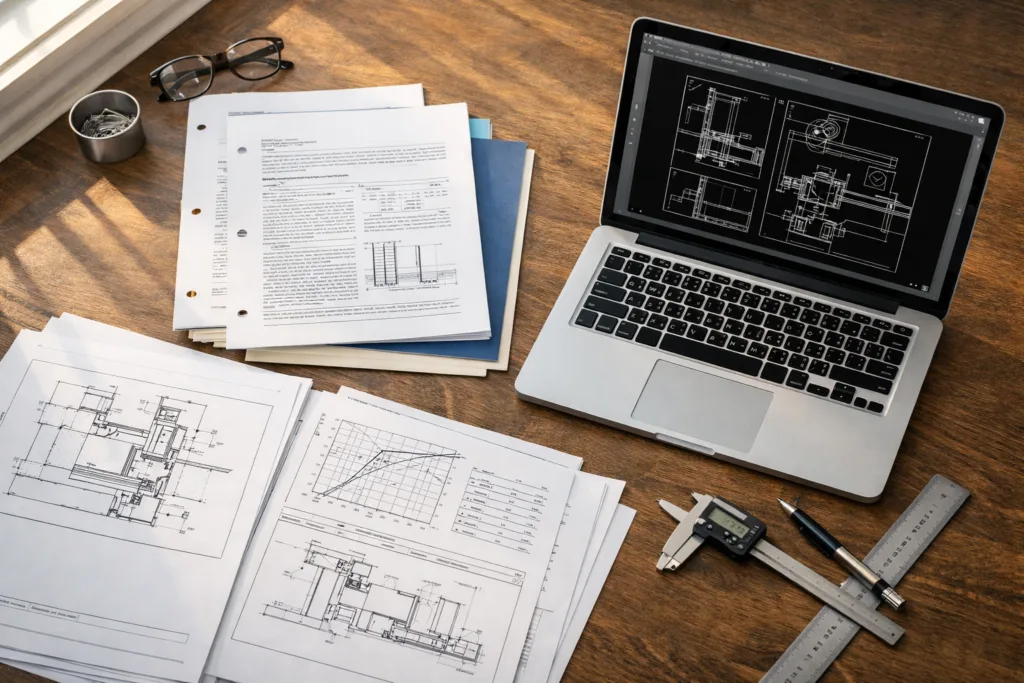
Converting digital patterns in the metal fabrication industry is a critical skill—both an art and a science. Mastering DXF files guarantees interoperability and accuracy, while AAMA and ASTM compliance builds trust with clients and regulators. As digital technologies and standards evolve, continued learning and a methodical approach to file conversion will remain your foundation for quality production, reduced waste, and market resilience.
Frequently Asked Questions
What’s the main benefit of using DXF files for metal pattern conversion?
DXF files ensure precise, interoperable digital patterns that can be shared across popular CAD and CNC platforms, reducing manual errors during fabrication.
How do AAMA and ASTM standards differ in digital pattern making?
AAMA focuses on performance for architectural metals, while ASTM sets broad requirements for composition and durability, covering a wider range of metal products.
What is the safest way to check pattern accuracy after conversion?
Import your converted file into your target production system, verify geometry, and use physical or virtual test cuts when possible to ensure alignment with specs.
Do I need to comply with both AAMA and ASTM for metal fabrication?
It depends on your project and client requirements. Architectural work often needs AAMA, while ASTM is essential for general metalwork—check bids and specs for direction.
What are common mistakes when converting file formats?
Typical errors include missing seam allowances, distorted scaling, and lost layer information; always use version control and cross-check the final file before production.
How can I manage multiple revisions of digital patterns efficiently?
Use consistent file naming, a central database for pattern storage, and document changes—especially those affecting compliance or fit—to prevent mix-ups and errors.
Related Reading
- Why Gerber, Lectra, and CLO3D Are Revolutionizing Digital Pattern Making
- The Seam Allowance Cheat Sheet Every Maker Needs
- Fail-Proof Factory Communication: Master Pattern Corrections
- 7 Critical Tips for Solving Fit Issues in Pattern Making
- CAD Tools in Apparel: Optimizing Digital Pattern Making
- Apparel Wiki: Your Ultimate Pattern Making Resource