Introduction: Why Choosing the Right Tech Pack Software Matters
When it comes to apparel development, few tools take center stage quite like tech packs. They communicate critical design details to manufacturers, reduce costly errors, and serves as the backbone of successful product launches. But with an ever-expanding selection of digital solutions, picking the best software for creating tech packs: Adobe Illustrator vs. Techpacker has become a hot-topic amongst designers, product developers, and startup founders alike. This guide explores these two industry heavyweights—helping you compare features, workflow, customization options, and real-world user experiences so you can make a smart, confident decision for your apparel business.
Tech Pack Essentials: What Every Designer and Manufacturer Needs
Tech packs contain a garment’s blueprint: sketches, measurements, material specs, construction notes, and finishing details. Without a robust tech pack, miscommunication between design and production teams can lead to fit issues, delays, and unexpected costs. As Apparel Wiki reminds us, outlining each section clearly – from measurement charts to fabrics – is key to maximizing efficiency and minimizing mistakes. For further detail on standard tech pack anatomy, refer to the Section-by-Section Tech Pack Guide.
Adobe Illustrator: The Classic Design Powerhouse
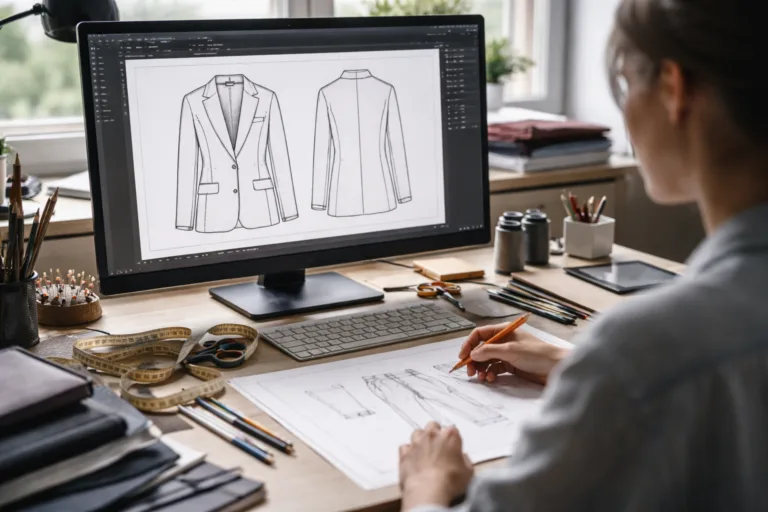
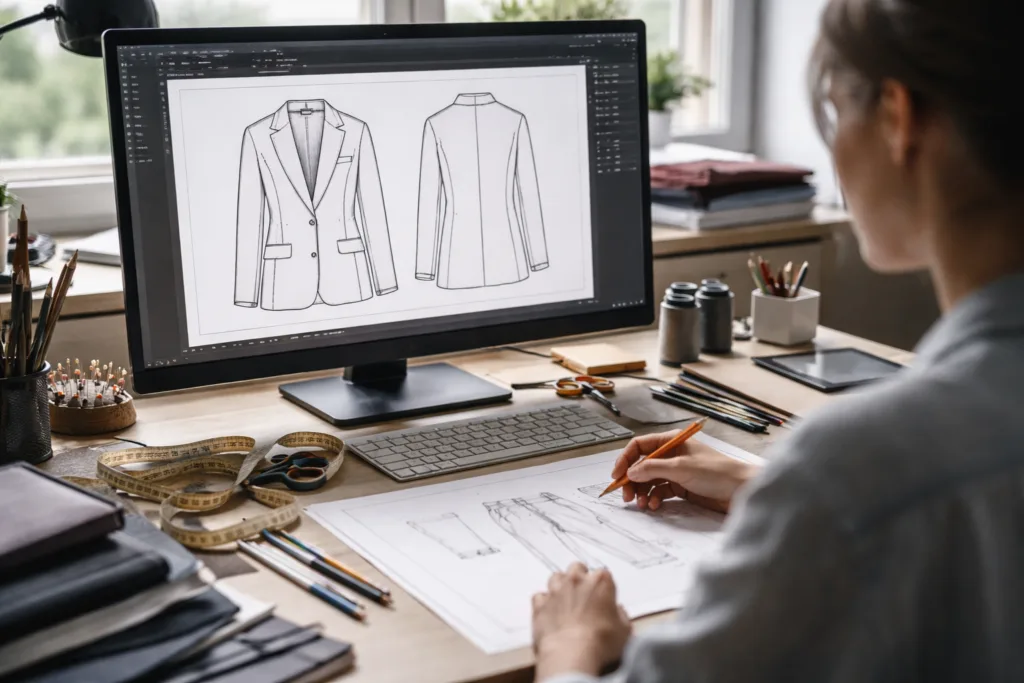
Adobe Illustrator is an industry-standard vector graphics editor that has powered creative design work for decades. It’s frequently the software of choice for professionals who value precision drawing, flexibility, and complete creative control over garment diagrams and callouts.
- Highly detailed sketches and spec drawings
- Unlimited customization and layout options
- Seamless integration with other Adobe products (Photoshop, InDesign)
- Suitable for seasoned designers comfortable with advanced tools
However, Illustrator’s strengths can be a double-edged sword. While its versatility is unmatched, it comes with a steeper learning curve for new users and lacks built-in apparel-specific templates. Creating a measurement chart, for instance, is manual work unless paired with an external spreadsheet or template.
Techpacker: The All-in-One Tech Pack Solution
Techpacker is a web-based platform built from the ground up for apparel product development. Instead of being a blank canvas, it provides intuitive modules tailored to tech pack structure, streamlining the process for both designers and manufacturers. Users enjoy:
- Drag-and-drop card system for components (e.g., measurement, fabric, trim)
- Direct integration with suppliers and team collaboration features
- Template library for quick setup
- Real-time version control and cloud access
Techpacker’s focus on usability makes it accessible—even for designers less experienced with detailed illustration. However, those seeking extreme customization or intricate hand-drawn artwork may find Techpacker’s drawing capabilities limited compared to Illustrator.
Ease of Use: Which Tool Fits Your Workflow?
For day-to-day apparel workflows, usability can make or break your tech pack process. Illustrator’s complexity requires time and familiarity, but pays off for custom diagrams and bespoke layouts. Techpacker, by contrast, streamlines repetitive tasks and offers smart shortcuts, allowing even smaller teams or startups to create professional documentation quickly.
| Factor | Adobe Illustrator | Techpacker |
|---|---|---|
| Learning Curve | Advanced | Beginner-Friendly |
| Setup Speed | Slower (manual) | Fast (templates/cards) |
| Collaboration | Manual file sharing | Cloud-based, team access |
| Revision Tracking | Manual | Automatic, real-time |
Customization Features: Levels of Design Freedom
Adobe Illustrator’s greatest asset is its infinite design flexibility. You can create hyper-detailed vector flats, shade components, or build custom call-out diagrams tailored to unique product lines. Techpacker, meanwhile, offers structured customization—think card-based editing and design components—ideal for consistency across collections and simplifying supplier handoffs.
Depending on your brand’s style, you may choose one over the other:
- Adobe Illustrator: For brands creating signature silhouettes, limited editions, or requiring unique visual language.
- Techpacker: For scale-up operations seeking standardization, bulk production, and straightforward supplier communication.
Integration Capabilities: Linking Design, Data, and Production
Modern tech pack creation can’t happen in isolation. Illustrator allows exporting to multiple formats (PDF, AI, PNG), and with manual effort, files can be linked with measurement spreadsheets or spec sheets. Techpacker goes further—integration with digital tools (Google Sheets, Excel), supplier portals, and direct communication channels are built into its workflow. This eases data transfer and helps prevent supplier misinterpretation.
Want to see how to link measurement charts directly into your tech pack using Excel? Apparel Wiki offers a Step-by-Step Guide to Creating a Tech Pack in Excel.
Case Study: Startup Brand Workflow Comparison
Let’s imagine two startup brands navigating their first tech pack build. Brand A uses Illustrator for total creative freedom, spending considerable time perfecting flat sketches and layout before exporting documents for manual communication. Brand B leverages Techpacker’s card-based templates to speed through standard details, quickly generating measurement tables and collaborating online with their manufacturer.
Outcome?
- Brand A’s process is slower, but their visuals are undeniably custom; sometimes hard for overseas factories to interpret unless supported by specs.
- Brand B’s process is rapid, more structured, and easily shared—yet less visually unique.
User Testimonials: Real-World Insights
According to many apparel designers, Adobe Illustrator is indispensable for unique styles and custom silhouettes. “I couldn’t achieve my signature edge-to-edge prints without Illustrator,” shares one creative director. Contrastingly, product developers praise Techpacker’s automation features: “Our team cut tech pack creation time by 50% when moving to Techpacker. Cloud-based revisions keep our suppliers up-to-date instantly.” If you’re seeking more industry details about tech pack efficacy, check Apparel Wiki’s Tech Pack Manufacturing Guide.
Compatibility with Common Apparel Workflows
Some brands operate exclusively in Illustrator, exporting flats and diagrams, while smaller teams crave Techpacker’s one-stop system for speed and oversight. Consider your existing digital toolkit—do you need tight Creative Suite integration or prefer browser-based solutions for team-wide access?
Pricing and Accessibility: Budgeting for Success
Adobe Illustrator operates on a subscription model, as part of the Creative Cloud suite—potentially costly for startups or individuals. Techpacker charges per user, with tiered plans for freelancers, small businesses, and enterprise-level teams. Both offer trial periods, so a hands-on assessment can inform your decision.

Supplier Communication: Minimizing Misunderstanding
Tech packs are only valuable if clearly understood by manufacturers. Illustrator’s output can be visually dense; designers must pay close attention to annotation clarity and layering. Techpacker’s standardized fields reduce ambiguity. Regardless of your tool, Apparel Wiki notes that incorporating clear measurement charts and annotation practices greatly improves factory accuracy and minimizes revisions. For more, see How to Measure a Garment: 9 Key POMs and Pro Tips for Perfect Fit.
Version Control and Revision Management
One of Techpacker’s standout features is real-time version control—critical for busy product development cycles. Adobe Illustrator requires manual versioning, which may not be optimal for teams handling multiple revisions across global time zones.
Template Libraries and Pre-Built Assets
Techpacker offers built-in garment templates; select, modify, and deploy. Illustrator requires designers to build their own libraries or purchase assets—flexible, but time-consuming. Many teams blend both: sketch in Illustrator, finalize in Techpacker for consistent manufacturing documentation.
Industry Use Cases: Who Should Use What?
Fashion startups often benefit from Techpacker’s ease, while established labels rely on Illustrator for special collections and proprietary artwork. Technical outerwear brands or athletic lines that demand strict spec control choose the software that offers precision and compliance features appropriate for their category.
Advanced Features Comparison
| Feature | Adobe Illustrator | Techpacker |
|---|---|---|
| Custom Vector Drawing | Yes | No |
| Live Collaboration | No | Yes |
| Revision History | Manual | Automatic |
| Apparel Templates | No (manual/purchased) | Yes (built-in) |
| Exporting Options | Multiple formats | PDF, CSV, Excel |
| Supplier Messaging | No | Yes |
Integrating with Existing Systems
If your workflow includes digital pattern making or product lifecycle management, Techpacker can connect natively with cloud tools. Illustrator works best in pipelines where advanced visualization is needed and asset sharing is well organized. For more on CAD pattern making and its intersection with tech pack creation, check out Apparel Wiki’s overview on Digital Pattern Making: CAD Tools in R&D.
Security and Data Management
Techpacker offers secure cloud storage with user access controls; Illustrator’s files reside locally or in Adobe’s cloud, introducing risk if files are shared by email or unencrypted. Consider company compliance and client confidentiality when choosing where and how tech pack data is stored.
User Experience: Typical Hurdles and Solutions
Some users report Illustrator’s intimidating interface slows onboarding; Techpacker’s learning resources are designed for quick ramp-up. Nevertheless, advanced Illustrator users often cite its irreplaceable drawing tools as worth the investment. A hybrid workflow is common: initial sketches in Illustrator, details and final pack in Techpacker.
Best Practices: Improving Both Software Outcomes
- Keep visual details clear and labeled.
- Ensure measurements are double-checked before distribution.
- Update revisions in both design and production documentation.
- Solicit supplier feedback for continuous improvement.
Potential Pitfalls and How to Avoid Them
Poor communication, version mismatch, and incomplete specification can disrupt production regardless of software choice. As Apparel Wiki points out, distinguishing between a tech pack and a spec sheet is crucial for cost control. See their guide on Tech Pack vs. Spec Sheet – Avoid Costly Manufacturing Mistakes.
Available Support, Training, and Resources
Adobe offers extensive tutorials and user forums; Techpacker’s help center includes onboarding guides and video walk-throughs. The Apparel Wiki knowledge base is a valuable resource for refining both technical and practical apparel skills.
Choosing the Best Software for Creating Tech Packs: Adobe Illustrator vs. Techpacker.

Ultimately, the choice depends on your brand’s priorities, team skillsets, and production needs. If artistic flexibility and legacy design mastery are paramount, Illustrator is hard to replace. If speed, structure, and cross-team communication top your list, Techpacker brings immediate benefits. Many established brands blend both for best results. Factor in cost, learning curve, and manufacturing partnerships before settling on a platform—and don’t hesitate to evolve your workflow as your brand grows.
Frequently Asked Questions
Which software is better for detailed garment illustrations?
Adobe Illustrator excels at intricate, custom drawing and is the preferred tool for professional sketching and creative flat design.
Can I use both Illustrator and Techpacker together?
Yes, many brands use Illustrator for sketches and Techpacker to organize tech pack sections and collaborate with suppliers.
Does Techpacker offer template libraries for common garment types?
Techpacker features built-in apparel templates, making it easier to start tech packs for typical garments without manual design.
How does revision tracking differ between the tools?
Techpacker includes real-time version control, while Illustrator requires manual file management for revisions.
Is Adobe Illustrator suitable for beginners?
Illustrator can be challenging for new users due to its complex features; those seeking quick results may prefer Techpacker’s simpler interface.
Do these tools improve communication with manufacturers?
Both assist in documenting product details, but Techpacker’s structured format is optimized for supplier clarity and collaboration.
Related Reading
- Unlocking Perfection: Step-by-Step Tech Pack Structure for Efficient Product Development
- Your Hassle-Free Guide to Creating a Tech Pack in Excel – Free Templates Included
- Tech Packs Demystified: Avoiding Manufacturing Headaches for Apparel Brands
- Nail the Fit: Essential Garment Measurement Points
- Tech Pack vs. Spec Sheet: The 8 Critical Differences That Save Money
- Smart Pattern Making: How CAD Tools Streamline R&D