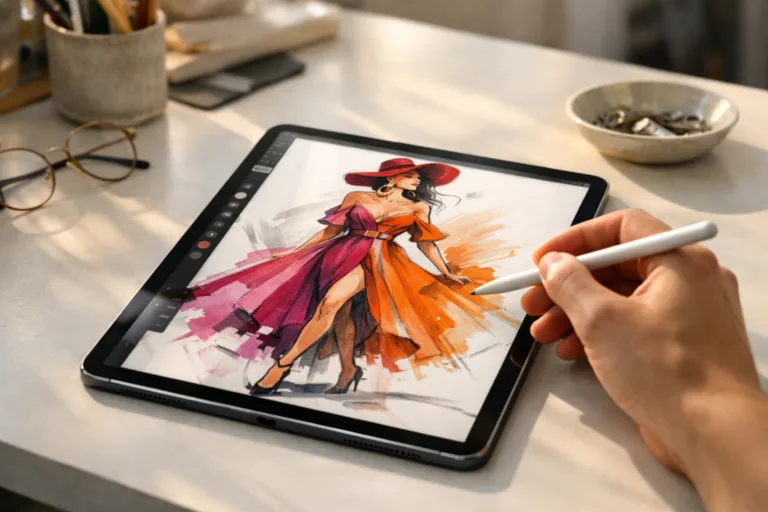
Introduction: Fashion Sketching in a Digital World
Fashion design is powered by creativity, speed, and adaptability. As the industry shifts to digital solutions, iPad apps for fashion sketching have become indispensable for designers who need flexibility and efficiency on the move. Whether in a studio, at a client meeting, or traveling between fashion weeks, these apps empower creative minds to capture ideas instantly, iterate effortlessly, and connect technical details to production needs. This guide spotlights the best iPad apps for fashion sketching on the go, comparing core features, unique tools, user experiences, and real-world workflow advantages.
Why Choose iPad for Fashion Sketching?
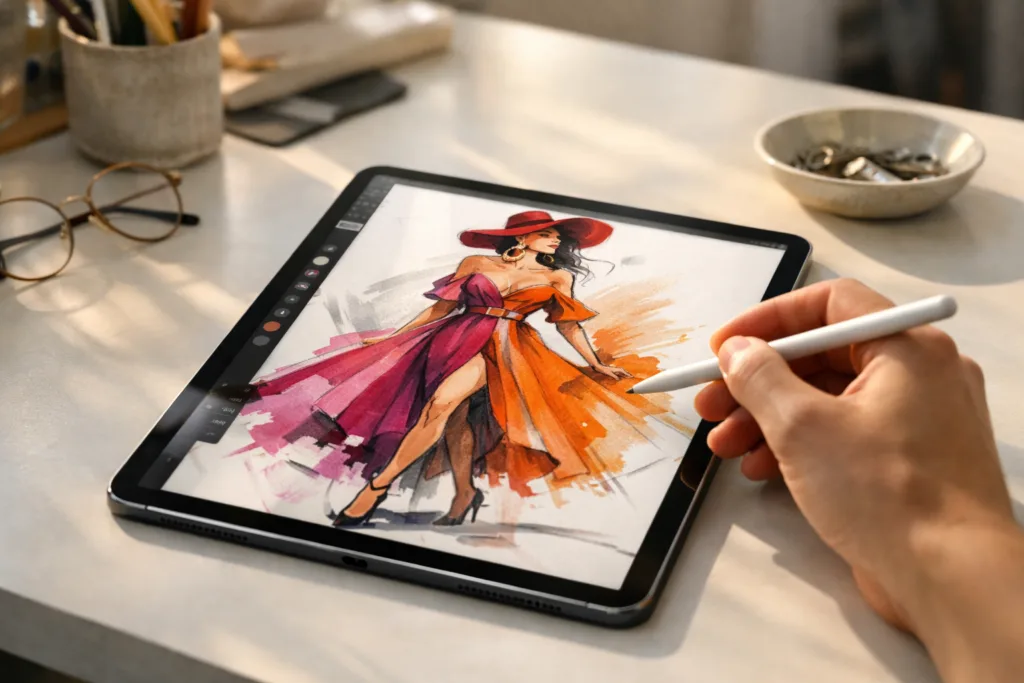
The iPad, especially when paired with the Apple Pencil, offers designers an intuitive, portable canvas. The device’s high-resolution display, pressure-sensitive touch, and seamless app ecosystem combine for a near-paper experience with powerful digital enhancements. It’s not just replacement for sketchbooks—it’s an upgrade for modern apparel design workflows.
Best iPad Apps for Fashion Sketching on the Go
Here’s a closer look at the leading iPad apps that fashion professionals and aspiring designers choose for on-the-go sketching.
Procreate: A Designer’s Favorite
Procreate remains a powerhouse for digital illustration, including fashion sketching. The app boasts a full suite of brushes, easy layering options, quick color-picking, and highly customizable interface. Designers love the natural, fluid feel with Apple Pencil—every pressure, tilt, and stroke is faithfully represented, making rendering textiles, shading, and drape effortless. Procreate’s export options (PSD, PDF, JPEG, etc.) ensure easy sharing and integration with broader fashion pipelines. Many working professionals cite the time-saving quick-gesture controls and brush management as keys to their creativity on the move.
Adobe Fresco: Vector Meets Watercolor
Adobe Fresco combines vector and raster drawing in a single, simple app—crucial for designers who oscillate between freehand sketching and precise technical flats. With realistic watercolor and oil brushes, plus the ability to import assets from Creative Cloud, Fresco is suited for both expressive concept art and clean technical sheets. A standout feature: seamless transition to Adobe Illustrator essential tools for advanced garment spec work.
Sketchbook by Autodesk: Fast, Clean Drafting
Speed counts when a creative spark hits. Sketchbook provides an uncluttered interface, responsive drawing engine, and quick-access templates for common figure poses. Designers can drop in reference images, trace, and experiment with proportions before refining the final garment details. Unlimited layers, symmetry tools, and customizable brushes deliver clean linework—which can be easily exported for further digital fabric rendering or even 3D development.
Fashion Design Flat Sketch: Built for the Industry
This industry-specific app offers ready-made croquis, myriad garment templates, and the ability to drag-and-drop design elements (collars, sleeves, trims) into place. It’s targeted to those who value speed and standardization—great for quick technical illustrations, spec sheets, and communicating with manufacturers or patternmakers. While less flexible for free artistry, its simplicity and export-friendly approach (SVG, PNG) make it a staple for production workflows.
Tayasui Sketches: Effortless Watercolor Styles
Loved for its clean interface and organic brush behavior, Tayasui Sketches supports watercolor, pastel, and pencil textures that add life to figure sketches. While its feature set is less advanced than Procreate, designers who value hand-rendered feel over strict technical precision gravitate towards its intuitive flow. It exports easily to standard file types for later integration with BOM or costing sheets.
Concepts: Infinite Canvas for Ideation
Concepts is built for brainstorming—offering an infinite canvas, vector-based strokes, and advanced selection tools. This makes it ideal for laying out entire collections on a single sketchboard or experimenting with scale and annotations. Cloud export ensures ideas are seamlessly saved, shared, or imported into manufacturing tech stacks. Some advanced users even use Concepts to map early-stage garment construction steps before moving to detailed CAD suites like CLO3D or Browzwear.
Touch Screen Capabilities: Maximizing Creativity
Modern iPads translate every nuance of line, pressure, and brush angle. Apps like Procreate and Fresco natively support Apple Pencil’s pressure sensitivity, letting designers layer fabrics, shade realistically, and tweak line thickness as they would with real pencils. Apps such as Concepts or Sketchbook utilize multi-touch gestures for quick canvas navigation, zooming in for fine details or out for collection overviews—speeding up iterations without breaking creative flow.
User Interface: From Intuitive to Advanced
Budding designers appreciate intuitive interfaces (Tayasui Sketches, Sketchbook), while seasoned pros may leverage the heavier toolsets of Procreate or Adobe Fresco, which are equipped with advanced layer blending and custom brush engines. Most apps allow customizable UI layouts, so whether your focus is on rendering illustration, blocking color, or generating spec sheets, there’s an interface or workspace setup for you.
Fashion-Focused Features: Templates and Croquis
Many top iPad fashion sketching apps come with ready-made body croquis, garment part templates, or even drag-and-drop trims and accessories. This vastly reduces repetitive work and ensures industry-standard proportions—helpful for creating consistent tech packs, spec sheets, or quick design line-ups for meetings with manufacturers. It also supports error-reduction when referencing BOM and costing sheets later in the process.
Editing on the Go: Flexibility at Your Fingertips
Edits are as easy as a swipe or tap—mistakes are fixed without erasing the whole design. Most apps support unlimited undos, real-time color palette changes, object isolation, and quick pose adjustments. This agility helps designers adapt ideas on the fly, even at client meetings or during travel.
Integrations: Exporting to Other Design and Manufacturing Tools
Seamless export options help designers transfer work between apps or to desktop programs. Common export formats (PSD, PNG, SVG, PDF) ensure compatibility with leading software for further editing, spec building, or 3D development. For instance, files sketched in Procreate or Fresco can be opened in Adobe Illustrator, then digitized further for virtual showroom creation or digital garment rendering, as described in guides like digital fabric rendering.
User Testimonials and Real-Life Success Stories
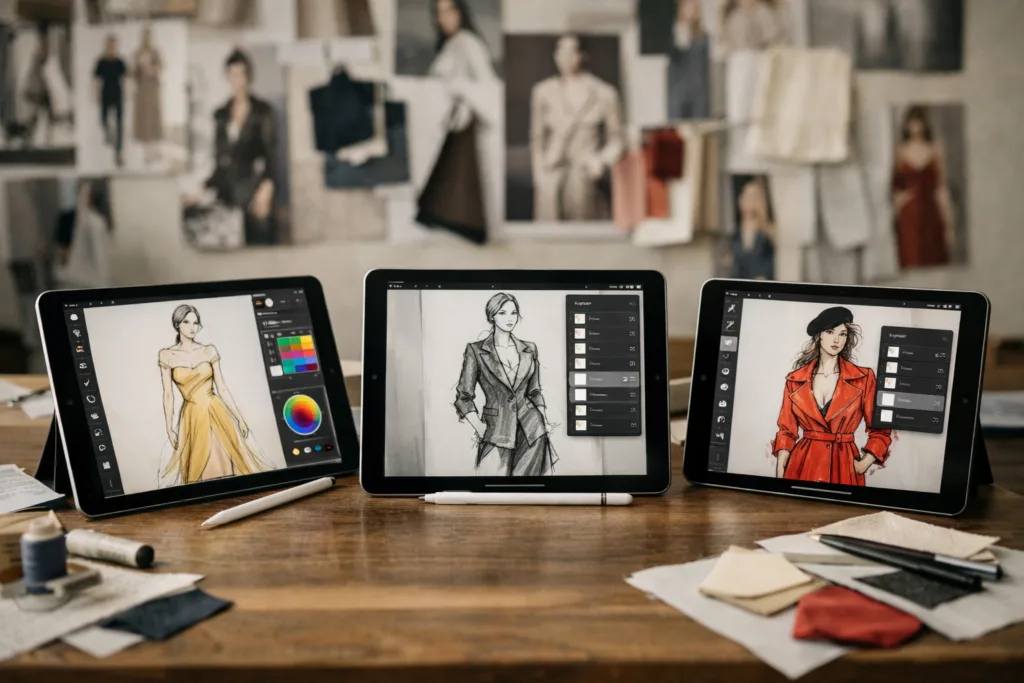
Designers worldwide credit these apps with transforming their workflow. As one Paris-based creative director notes, “Sketchbook’s natural feel lets me quickly test ideas, then I move final flats into Illustrator for detailed BOM work.” Another emerging label used Procreate’s quick brush adjustment to visualize capsules for a virtual showroom, cutting sample costs and time. The consensus: mobility doesn’t limit creative freedom, and digital sketching boosts both speed and quality.
Accessibility for All Levels: Beginners to Pros
Most iPad apps for fashion sketching are beginner-friendly—you can start with templates, video tutorials, and basic brushes. As skills grow, unlock advanced layers, custom palettes, and integration options. Pro tools (Procreate, Fresco) offer enough depth for industry veterans, while Sketches and Fashion Design Flat Sketch offer a lower learning curve for students or casual illustrators.
Comparing the Top Fashion Sketching Apps
| App Name | Best For | Key Features | Export Options | Beginner Friendly? |
|---|---|---|---|---|
| Procreate | Expressive, detailed illustration | Brush engine, layers, gesture controls | PSD, PDF, JPEG, PNG | Yes |
| Adobe Fresco | Vector + raster, technical flats | Blending, CC integration, watercolors | PSD, PDF, PNG | Yes |
| Sketchbook | Speedy ideas, clean lines | Templates, symmetry tool | JPEG, PNG, PSD | Yes |
| Fashion Design Flat Sketch | Technical packs, croquis | Garment templates, drag&drop | SVG, PNG | Yes |
| Tayasui Sketches | Hand-rendered, watercolor styles | Realistic brushes, watercolors | PNG, PDF | Yes |
| Concepts | Collection planning, annotation | Infinite canvas, vector tools | SVG, PNG, PDF | Yes |
Cloud Storage and Collaborative Features
Many apps now offer cloud backup—no more lost sketches. Procreate and Concepts provide cloud exports; Adobe Creative Cloud syncs assets across Illustrator, Fresco, and Photoshop. Teams can share mockups, receive feedback, and co-edit collections from different devices or locations. This collaborative capability helps link designers, patternmakers, and production teams, reducing costly communication errors.
Price vs. Value: Free, Freemium, and Paid Models
While Procreate requires a one-time purchase, others like Sketchbook and Tayasui offer free basic versions with in-app upgrades. Adobe Fresco works on a subscription, unlocking advanced features as you grow. Fashion Design Flat Sketch runs on a freemium model, with costs primarily for advanced templates. Consider workflow needs—exports and integrations are typically worth modest investments, especially compared to traditional sample spend.
Integrating with Manufacturing Workflows
Beyond ideation, these iPad apps connect with digital workflows: converting digital sketches for CAD/BOM generation, rendering sample fabrics, or building virtual showrooms. For a practical example of digital pipeline efficiency, designers can review how technology such as virtual showrooms drives real-world savings. This integration reduces manual errors, accelerates development, and helps communicate technical details to sourcing and production colleagues.
Tips for Getting Started with iPad Fashion Apps
- Start simple—play with basic brushes and body templates
- Watch in-app tutorials for Procreate, Fresco, or Sketchbook
- Create your own reusable assets (swatch palettes, croquis)
- Set up cloud backup for peace of mind
- Join online communities to share, learn, and get feedback
Common Pitfalls and How to Avoid Them
Don’t over-complicate your process at first. Focus on mastering a few tools rather than exploring every feature. File management is critical—keep sketches named and backed up in the cloud to avoid misplaced ideas. And remember: digital sketches are only as good as their clarity—well-labeled, proportionate artwork streamlines subsequent tech pack creation and sample requests, as described in Apparel Wiki’s fundamental guides on fabric rendering or BOM management.
Best iPad Apps for Fashion Sketching on the Go
If you’re seeking to boost creative output, collaborate with teams, or streamline sample cycles, these iPad apps bring not only technical prowess but true freedom. The rapid adoption of digital tools, in line with guides from Apparel Wiki, is less about abandoning tradition and more about evolving artistry for the fast-paced world of modern apparel production.
Conclusion
Fashion sketching is evolving—embracing digital tools allows designers at every level to move from spark to garment faster, without sacrificing artistry. The best iPad apps for fashion sketching on the go offer tools for both beginner and expert, fostering creativity, communication, and production readiness. As design and manufacturing increasingly overlap, those who master digital sketching gain a head start. Stay creative, stay efficient, and keep your ideas moving—wherever your next inspiration strikes.
Frequently Asked Questions
What features make an iPad app great for fashion sketching?
A great iPad app offers realistic brushes, customizable templates, easy layering, color palettes, and seamless export options for professional workflow.
Are these iPad apps suitable for beginners?
Yes, most of these apps provide intuitive interfaces, tutorials, and beginner-friendly tools, making them accessible for learning digital fashion illustration.
Can I export fashion sketches to other design software?
Nearly all top apps support exporting to common formats like PSD or PDF, allowing easy integration with software like Adobe Illustrator or CAD platforms.
Do these apps support stylus or Apple Pencil pressure sensitivity?
Yes, the best iPad fashion sketching apps take full advantage of stylus and Apple Pencil for pressure-sensitive lines, brush control, and more.
Are there free fashion sketching apps available for iPad?
Some apps offer free versions with essential features, while advanced tools or templates may require in-app purchases or subscriptions.
How can I use fashion sketches created on iPad in manufacturing?
Designers can refine iPad sketches, export them, and integrate them into workflows with digital fabric rendering, 3D CAD, and BOM management software to streamline production.