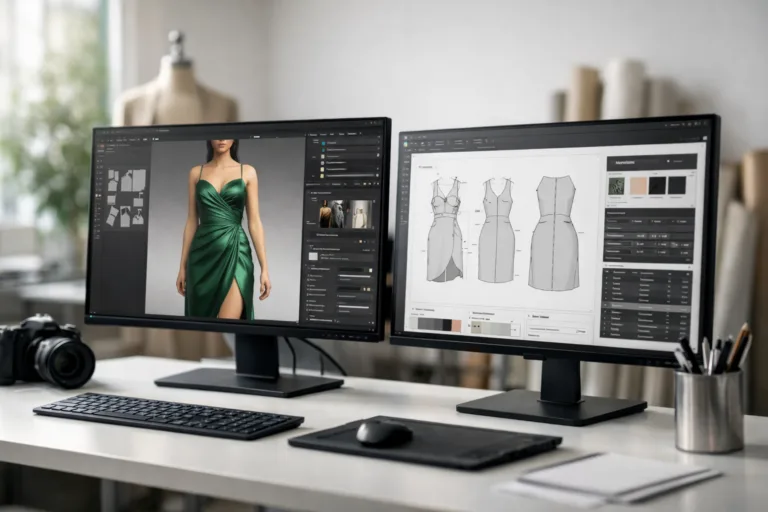
Introduction: Comparing CLO3D vs. Browzwear for Modern Fashion Design
3D design software is reshaping how apparel is planned, prototyped, and produced. Two names stand at the forefront: CLO3D and Browzwear. This article offers a thorough comparison—features, interface, performance, integration, and real-world use—so you can decide which solution best fits your ambitions as a designer, brand, or manufacturer. Insights from industry professionals, practical observations, and user comments drive our balanced evaluation. Whether you seek speed, realism, or workflow compatibility, discover which platform can elevate your apparel projects.
CLO3D vs. Browzwear: Which 3D Fashion Software is Best?
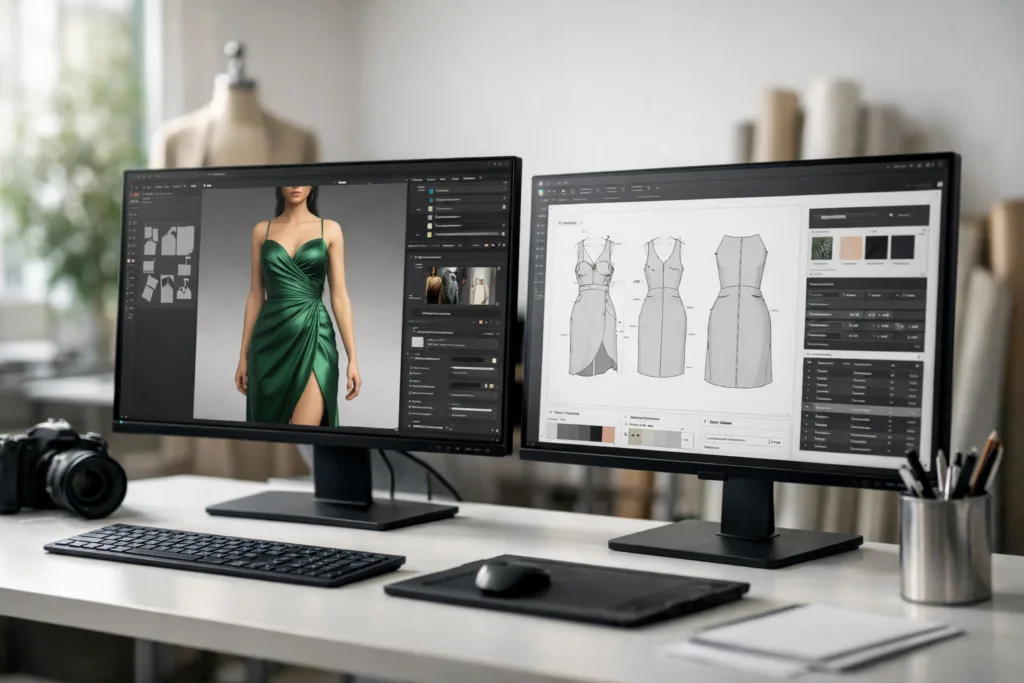
CLO3D and Browzwear are two leading 3D apparel design software platforms. Both have revolutionized digital garment development, but their approaches and strengths differ. Let’s explore their key features, performance, and usability to help direct your decision.
Overview of CLO3D
CLO3D is renowned for high realism in simulations and user-friendly tools. It supports pattern-based garment creation and offers striking virtual fit visualization. Many brands and freelancers favor CLO3D for prototyping and presentation.
Overview of Browzwear
Browzwear targets business and production teams, excelling at workflow integration and collaborative design iterations. Its V-Stitcher and Lotta modules equip designers to work seamlessly with patterns, customization, and production information.
User Interface: Flow, Accessibility, and Learning Curve
Interface design is critical in creative software. CLO3D provides a visually intuitive, drag-and-drop layout—ideal for students, freelancers, and small studios. Browzwear’s interface prioritizes workflow customization, with production-oriented tools and shortcuts for team-based projects.
| Feature | CLO3D | Browzwear |
|---|---|---|
| User Experience | Modern, visually rich, easy navigation | Workflow-focused, customizable shortcuts, steeper learning curve |
| Ease of Use | Accessible for beginners | Requires more initial onboarding |
Insights from Industry Professionals
Professional designers share that CLO3D is favored for rapid virtual prototyping, while Browzwear is chosen for production-ready files and collaboration. Apparel Wiki editorial notes: “CLO3D and Browzwear each require an adjustment period, but if production integration is your priority, Browzwear offers deeper tools.”
Feature Deep Dive: Simulation, Rendering, Integration
Both platforms supply advanced 3D garment simulation. CLO3D stands out with highly realistic cloth behavior and stunning render quality. Browzwear’s focus is practical simulation and export compatibility.
- Simulation Accuracy: CLO3D offers dynamic physics for fabric drape and movement; Browzwear simulates for production specs and workflows.
- Rendering Capabilities: CLO3D’s engine produces lifelike visuals with lighting adjustments. Browzwear’s renders emphasize clear communication for manufacturing.
- Integration with Design Tools: Both link to pattern software (e.g., Adobe Illustrator and BOM software tools for small fashion brands), but Browzwear syncs more deeply with PLM and production platforms.
Table: Feature Comparison at a Glance
| Core Feature | CLO3D | Browzwear |
|---|---|---|
| Realistic Materials | Advanced image-based textures | Practical material presets |
| Animation Tools | Integrated avatar animations | Simple pose variations |
| Pattern Import | Direct integration with DXF/AAMA files | Robust compatibility, especially for factories |
| Collaboration | Single-user focus, cloud options | Team workflow sharing |
Performance and Workflow Flexibility
Apparel workflows demand speed and reliability. CLO3D is recognized for quick virtual sampling and real-time edits—which greatly helps when managing sample lead times. Browzwear is optimized for batch processing and large dataset handling, aiding both designers and production managers.
Speed and Reliability Metrics
User testimonials indicate CLO3D runs smoothly on most computers, making it friendly for smaller teams. Browzwear, with its heavier data processing, benefits from workstations but delivers robust results.
Rendering Quality: Visuals and Presentation Impact
CLO3D’s realistic sparkles and shadows set it apart for portfolio visuals and client demonstrations. Many users claim its natural fabric appearance is ideal for marketing and pitch decks. Browzwear’s visuals are more utilitarian, focusing on product specifications and actionable feedback for factories.
Integration with Other Tools: From Pattern Making to BOM
Both CLO3D and Browzwear connect with software like Adobe Illustrator for fashion design, and support digital pattern formats. Browzwear syncs tightly with PLM (product lifecycle management) and costing workflows, making it well-suited for factory-driven brands. For those managing BOM revisions and version control, integration is vital to avoid errors and streamline processes.
Compatibility with CAD and Pattern Systems
CLO3D offers direct import/export for DXF and AAMA files—essential for converting digital patterns for precise metal fabrication or garment production. Browzwear’s approach includes refit for production-ready layouts and detailed cost analysis. For troubleshooting fit issues in pattern making, both tools aid in visualizing adjustments before physical samples.
Ease of Use and Training: Onboarding Designers and Teams
CLO3D is praised for its accessible interface and helpful tutorials, making it easier for new designers. Browzwear may take more training but rewards advanced users with streamlined bulk actions and custom workflows. Apparel Wiki frequently underscores the importance of choosing software that matches your team’s skill level to minimize onboarding delays.
Strengths: Where CLO3D Excels
- Photorealistic renders and virtual fit simulation
- Quick prototyping for 3D garment visualization
- User-friendly interface for individuals and small teams
- Integrated basic animation tools
- Direct pattern import and editing
Strengths: Where Browzwear Excels
- Collaboration and team-based workflow management
- Batch processing of collections
- Deep integration with production and costing tools
- Ready-for-manufacturing export formats
- Advanced customization and reporting for factories
Case Studies: Real-World Scenarios
Small design firms employ CLO3D for quick sample previews, while large fashion companies use Browzwear’s V-Stitcher for coordinated product launches across departments. Manufacturers prioritize Browzwear’s compatibility with costing and BOM alignment for higher profit margins.
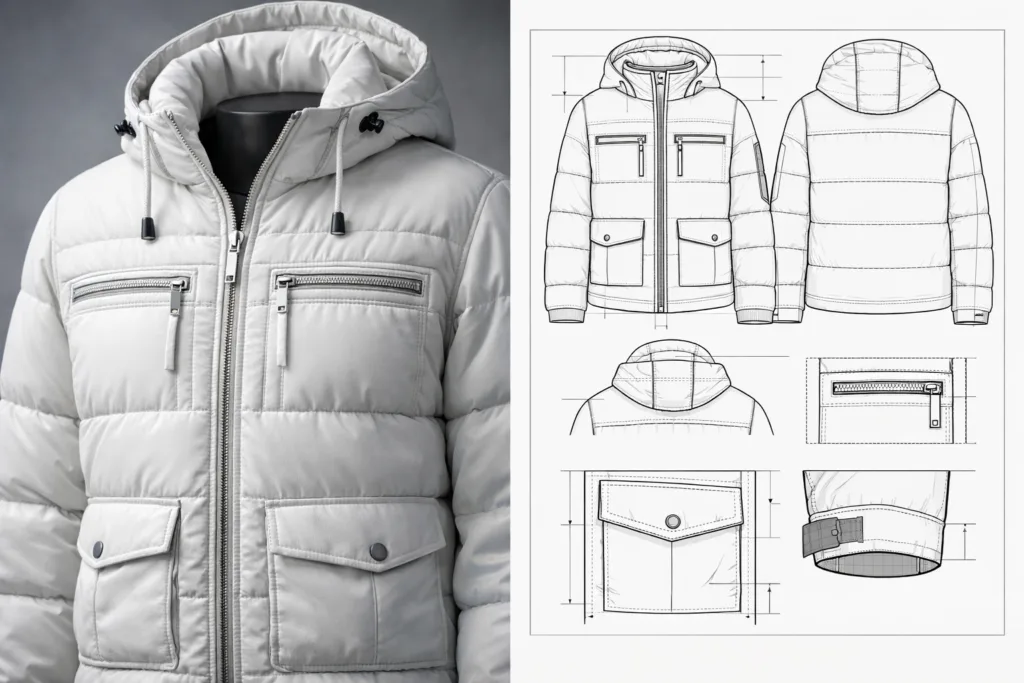
Weaknesses and Limitations
CLO3D may struggle with multi-user collaboration for large teams. Browzwear’s higher learning curve can slow initial adoption, and its visuals, while practical, lack some realism.
User Testimonials: Common Feedback
Many CLO3D fans value its approachable UI and rendering, but wish for easier teamwork features. Browzwear users appreciate production accuracy but want faster onboarding support. One designer remarked, “CLO3D makes my ideas shine, while Browzwear keeps our factory out of trouble.”
Cost and Licensing: What to Expect
Both platforms offer monthly and annual licensing. CLO3D is often seen as affordable for individuals and small studios. Browzwear requires larger investment, but delivers long-term value for brands managing complex production and BOM software integrations.
Use Cases: Fashion Startups, Brands, and Manufacturers
Fashion Startups & Freelancers: CLO3D fits those who need agile prototyping and client-friendly visuals. Mid-sized Brands: Both tools are viable depending on workflow priorities. Factories & Large Teams: Browzwear ensures streamlined production and costing alignment. Apparel Wiki’s expert comparison notes that digital pattern making with Gerber, Lectra, and CLO3D is transforming garment design efficiency industry-wide.
Integration with BOM and Costing Systems
Browzwear closes the loop with advanced features for maintaining BOM alignment and exporting ready-for-production specs. CLO3D also supports these tasks, but specializes more in creative exploration and quick visualization.
Decision Checklist: Which 3D Fashion Software Fits Your Needs?
- Is photorealism and fast prototyping more important than production workflow?
- Do you need seamless team collaboration and factory integration?
- Are you managing BOM, costing, or size sets alongside design?
- Consider your team size, skill level, and long-term goals.
Industry Trends: The Future of 3D Apparel Design
The ongoing shift to digital sampling, virtual fit, and integrated costing is accelerating. Both CLO3D and Browzwear are rolling out updates to improve simulation, export accuracy, and workflow automation. Brands now expect their 3D platforms to plug directly into fabric consumption, target price strategies, and pattern grading workflows.
Expert Panel: Key Takeaways from Industry Professionals
Industry pros emphasize choosing the tool that solves the biggest workflow bottleneck. If you need stunning visuals and direct pattern editing, CLO3D may be right. For those prioritizing production and BOM management, Browzwear’s robust features are hard to beat. Both platforms serve unique needs, and many brands run them side-by-side for maximum flexibility.
Conclusion: Your Action Guide to Selecting CLO3D or Browzwear
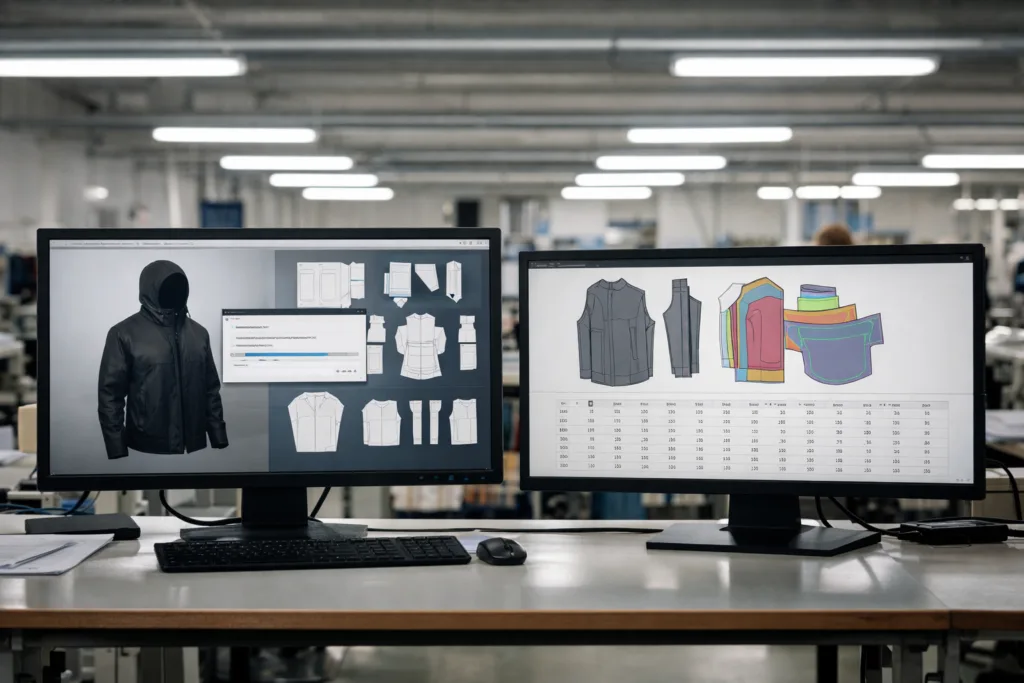
CLO3D and Browzwear each shine in different areas of 3D fashion software. CLO3D offers accessible, visually striking tools for rapid prototyping and freelance work. Browzwear excels with scalable, team-oriented workflows, factory-ready exports, and advanced costing integration. Match your workflow priorities—visual quality, production accuracy, collaboration—to the platform’s core strengths. With the apparel industry evolving toward digitization, making an informed choice today lays the foundation for efficient sampling, fewer errors, and more responsive production tomorrow.
Frequently Asked Questions
Which software is easier for beginners—CLO3D or Browzwear?
CLO3D tends to be more beginner-friendly due to its intuitive interface and straightforward tutorials, making it ideal for new designers.
Can both CLO3D and Browzwear integrate with Adobe Illustrator?
Yes, both CLO3D and Browzwear support integration with Adobe Illustrator, allowing seamless import and export of pattern designs and graphics.
Is Browzwear better for factory production workflows?
Browzwear is usually preferred for factory production workflows thanks to its robust collaboration tools and integration with PLM and costing systems.
How realistic are the garment simulations in CLO3D?
CLO3D produces highly realistic garment simulations with accurate cloth behavior, drape, and visual rendering, popular for client presentations and portfolios.
Which tool is more cost-effective for a small design studio?
CLO3D is generally more cost-effective for small studios and freelancers, while Browzwear targets brands and manufacturers with larger budgets.
Can both CLO3D and Browzwear handle BOM and pattern grading?
Both tools offer BOM management and pattern grading features, but Browzwear has deeper production alignment, ideal for large-scale manufacturing.
Related Reading
- Unlock Hidden Adobe Illustrator Tools for Fashion Designers
- Boost Accuracy with Smart BOM Software Tools for Small Brands
- How Digital Pattern Making with Gerber, Lectra, and CLO3D Shapes Apparel Design
- Master Fabric Consumption Calculations for Cost-Efficient BOM Planning
- 9 Proven Strategies for Delay-Free Sample Lead Times