Introduction: Why Accurate Fabric Rendering Matters
Rendering fabrics with digital texture and realistic drape is no longer just a technical curiosity—it’s central to modern fashion design, interior visualization, and product development. With the rise of 3D design software, designers, brands, and even architects rely on digital tools to simulate how materials look, move, and interact. Getting fabric rendering right means faster sampling, fewer physical prototypes, and a more immersive, persuasive presentation. In this guide, we break down cutting-edge techniques, the value of realism, and the software tools powering these changes.
The Key Role of Realism in Digital Fabric Rendering
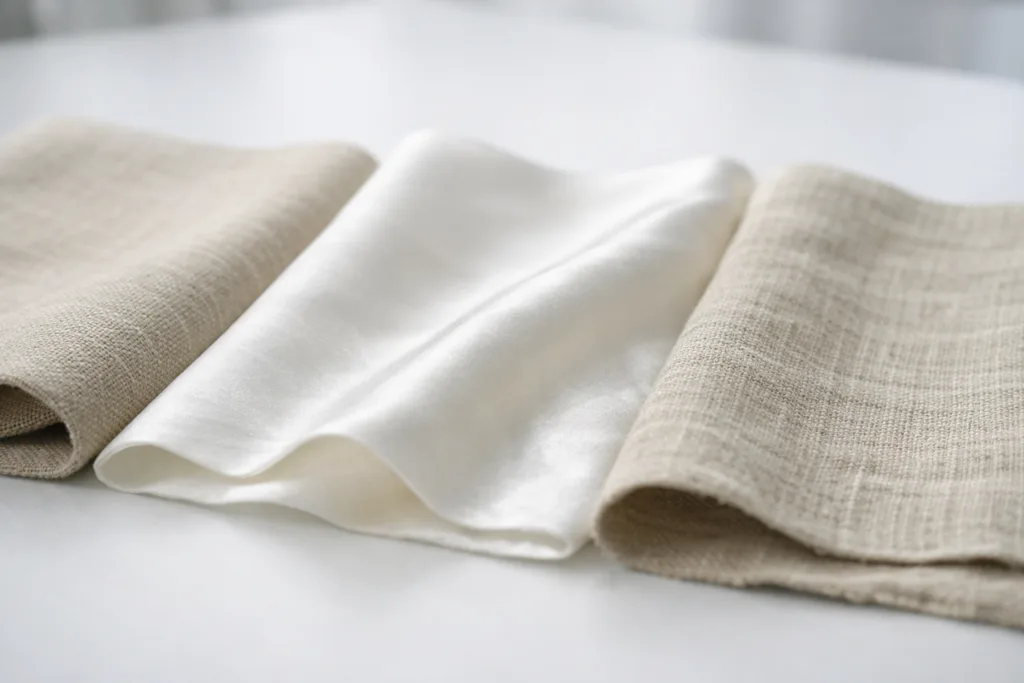
A realistic depiction of fabric texture and drape can enhance visual storytelling, boost client confidence, and streamline the development process. High-fidelity digital texture lets clients and buyers assess garments without handling samples, and accurate drape simulation reflects how fabrics flow, crease, and settle—critical for apparel and home furnishings. Apparel Wiki often points out that manufacturers who master realistic rendering reduce waste and improve decision speed in their sampling workflow.
Understanding Fabric Texture: What Makes Materials Unique?
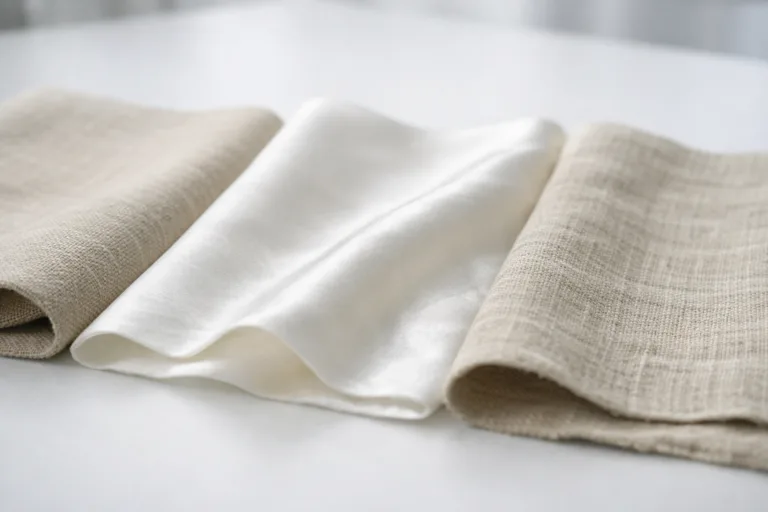
Fabric texture is a combination of tactile and visual qualities: weave density, fiber content, surface variation, and finish. Cotton looks matte and soft, silk shimmers with a tight weave, while linen is rougher and more porous. Digitizing these nuances means creating layered maps (color, bump, shine, and transparency) so the material appears authentic in virtual scenes.
Drape Simulation: How Software Mimics Real Fabrics
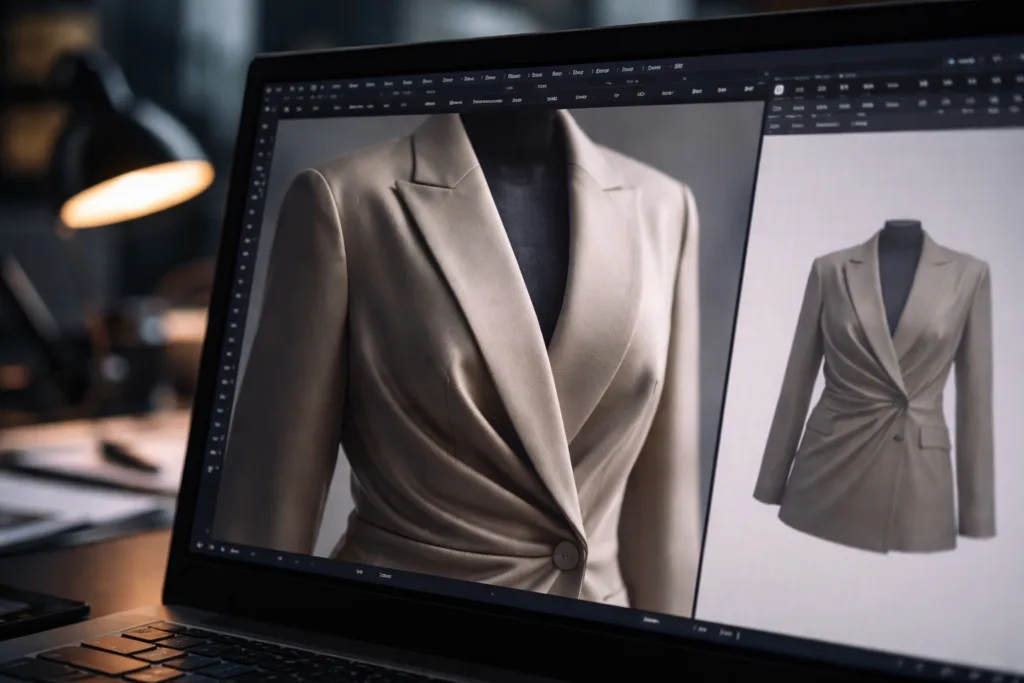
Digital drape simulation uses physics engines that mimic how real textiles respond to movement, gravity, and interaction. From soft folds in jersey to crisp pleats in taffeta, software calculates elasticity, weight, and structure. Realistic drape improves fit visualization and helps designers make faster, more accurate patterning decisions.
Core Technologies Driving Fabric Rendering
The main technology pillars include photogrammetry, PBR (Physically Based Rendering) textures, and real-time simulation engines. Photogrammetry captures surface detail via high-res photography, PBR maps control light interaction, and simulation engines virtually ‘drop’ fabric over avatars or furniture, observing how it settles and reacts.
Photogrammetry: Capturing True-to-Life Surface Details
Photogrammetry involves photographing fabric from multiple angles and stitches these images into a detailed 3D map. This method is ideal for highly textured or patterned materials, enabling designers to reproduce not just color, but depth, subtle imperfections, and weave complexity. Software like RealityCapture or Agisoft Metashape are popular for these tasks in professional studios.
PBR Textures: Making Textile Surfaces Shine
PBR textures break down the fabric’s appearance into layers—albedo (base color), normal (surface bumpiness), roughness, specular, and ambient occlusion. When applied, they allow virtual garments to react to light realistically, making a silk blouse shimmer under stage lighting or a wool jacket absorb shadows in a room. Utilizing PBR libraries (like Substance Source) is a smart shortcut for common textile types.
Physics Engines: Simulating Drape and Motion
Modern software uses physics engines to simulate how fabrics hang, bend, stretch, and wrinkle. CLO3D and Browzwear are industry favorites for apparel, while Unreal Engine and Blender are leading for interior and product designers. Adjusting settings for gravity, force, and material stiffness directly affects drape realism—the difference between a stiff denim skirt and a fluid silk dress.
The Importance of High-Quality Scanning and Mapping
Accurate scanning is the foundation of digital texture. Using high-resolution flatbed scanners or DSLR cameras for fabric swatches captures fine details—thread count, surface anomalies, color gradations. Pairing these scans with mapping software ensures textures are translated correctly and stay seamless across garment patterns or room surfaces.
Workflow Integration: Moving From Scan to Simulation
A streamlined workflow starts with capturing fabric samples, creating texture maps, then importing them into the design environment. The choice of software determines the integration path: for apparel, tools like CLO3D support layered texture import and pattern-based drape simulation. For interiors, SketchUp and Blender allow both texture mapping and environmental lighting refinement. The Power of 3D Sampling: Cut Waste and Cost Without Compromise explains how efficient workflows cut development time and physical sampling expenses.
Top Software Solutions for Fabric Rendering
- CLO3D: Leading for garment simulation, texture layering, and realistic drape
- Browzwear: Strong in physics simulation and material visualization
- Blender: Versatile, open-source, ideal for interiors, costumes, and product rendering
- Substance Designer/Painter: Industry standard for creating custom PBR maps
- Agisoft Metashape: Advanced photogrammetry for surface capture
- Marvelous Designer: Famed for pattern-based garment simulation
Review: CLO3D vs. Browzwear — Choosing Your 3D Fashion Tool
Evaluating CLO3D vs. Browzwear comes down to interface and workflow preferences. Both simulate drape beautifully, offer advanced material libraries, and support real-time collaboration. For brands focused on speed and ease of use, CLO3D stands out with an intuitive dashboard, while Browzwear’s engine excels in technical precision and compatibility with industry standards. For in-depth comparisons, see Unlock the Ultimate Guide: CLO3D vs. Browzwear — 7 Powerful Insights for Choosing the Best 3D Fashion Software.
Tips for Digitizing Fabric Texture with Maximum Realism
- Use neutral, diffuse lighting when scanning
- Capture swatches from multiple angles
- Employ calibration tools to match color accuracy
- Focus on texture repeat—ensure seamless tiling
- Combine high-res images with normal and roughness maps for depth
Common Pitfalls in Fabric Digitization and How to Avoid Them
Overlooking thread direction, inconsistent color calibration, or ignoring transparency in sheer fabrics results in unnatural visuals. Maintain careful documentation of each scan, test texture alignment over patterns, and use software settings to adjust reflectivity so velvet doesn’t look like plastic or silk doesn’t appear dull.
Fabric Rendering for Product Visualization: Going Beyond Fashion
In interior architecture and home design, fabric rendering is used to simulate upholstery, drapes, and carpeting. Accurate digital texture allows designers to experiment with fabric consumption markers and optimize layout before ordering materials—see How Fabric Consumption Markers Unlock Yield Optimization and Save Money for practical workflow strategies.
Capture Nuances: Sheer, Metallic, and Specialty Textiles
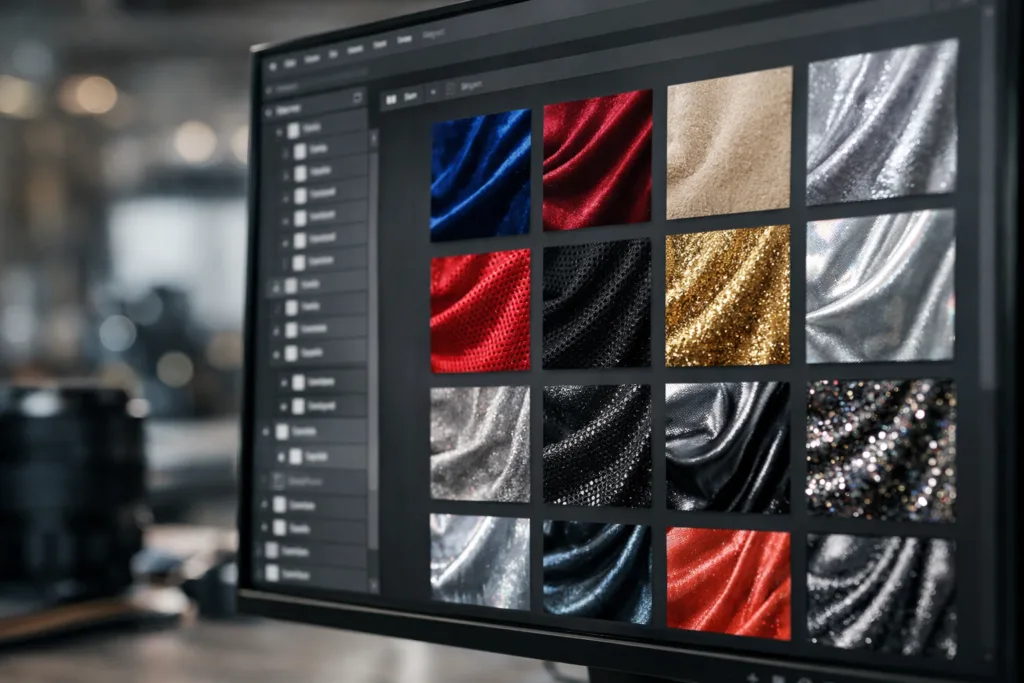
Specialty fabrics—like metallic thread embroidery, mesh, or coated materials—benefit from enhanced material maps. By adjusting opacity, refraction, and custom shine layers, designers achieve nuanced visuals that stand apart from generic renderings. Expert software tools provide dedicated sliders for these parameters.
Enhancing Workflow in Fashion and Interiors
Digitized fabrics streamline review and approval cycles, help identify fit or aesthetic issues, and reduce the back-and-forth of physical samples. Digital showrooms are now a mainstay, allowing brands and clients to evaluate collections remotely—10 Surprising Ways Creating Virtual Showrooms with Digital Garments Revolutionizes Fashion illustrates how this reduces lead times and boosts engagement.
Practical Workflow Example: From Texture Capture to Finished Render
A typical path includes scanning swatches, creating custom PBR maps, importing into software (like CLO3D or Blender), then simulating drape over digital mannequins or room elements. Final renders can be exported for e-commerce, catalogs, or technical specification sheets.
Why Designers Need Custom Material Libraries
Ready-made material libraries help with speed, but custom libraries ensure unique textures and branding consistency. Designers can build libraries by digitally archiving real swatches, adding metadata for fiber content, weight, and recommended care—Apparel Wiki notes this is invaluable for cost tracking and fabric consumption yield calculations.
Troubleshooting Common Fabric Rendering Challenges
Blurry textures, unnatural shine, or ‘flattened’ drape can undermine realism. Correction steps include resampling at higher resolution, tweaking normal maps for depth, and re-balancing material settings such as roughness and specular to match the original textile.
Future Trends: AI and Machine Learning in Fabric Rendering
Emerging AI tools are automating texture generation, identifying material types from photos, and even suggesting optimal drape parameters based on garment style. This holds promise for reducing manual work and improving simulation speed, making digital close to indistinguishable from real samples.
Industry Insights: Reducing Waste with Digital Samples
Brands leveraging digital rendering cut physical waste by reducing the need for multiple sample iterations. With accurate digital texture and drape, only final prototypes are produced, streamlining development and lowering environmental impact. Digital sampling is a method discussed frequently by Apparel Wiki in their guides on cost efficiency and workflow optimization.
Expert Recommendations for Better Fabric Visualization
Focus on continuous calibration, keep up-to-date with new texture scanning devices, consult peer-reviewed libraries, and test your renders under varying lighting scenarios to see how fabrics perform across different environments.
Rendering Fabrics: How to Digitize Texture and Drape.
To digitize fabric texture and drape successfully, designers must blend technology, artistry, and practical workflow knowledge. By understanding material properties, leveraging advanced software, and integrating digital processes, the gap between virtual and real narrows—driving faster, more sustainable, and creative design outcomes.
Frequently Asked Questions
What is the best software for fabric rendering?
CLO3D and Browzwear excel for apparel, while Blender and Unreal Engine are excellent for interiors and product visualization. Each offers robust texture and drape simulation tools.
How can I make digital fabric look realistic?
Combine high-resolution scans, multi-layered PBR maps, and fine-tuning of material settings for reflection and transparency. Seamless texture mapping is key.
Why does drape simulation matter in design?
Drape simulation replicates how a fabric will hang and flow, allowing designers to make confident decisions before physical samples are produced, saving time and money.
Can I digitally capture specialty fabrics like mesh or metallic?
Yes, using advanced scanning and mapping plus software adjustments for transparency and shine, specialty textiles can be rendered accurately.
How do digital fabrics improve workflow?
They speed up review, reduce sampling costs, enable remote presentation, and provide detailed visuals for technical and sales purposes.
Are custom material libraries worth building?
Absolutely—they ensure unique branding, consistency, and accuracy for patterning and costing. Custom libraries are useful for long-term workflow and archival needs.
Related Reading
- How Digital 3D Sampling Saves Money and Reduces Waste in Apparel
- The Ultimate Battle: CLO3D vs. Browzwear—Choosing Your 3D Fashion Toolkit
- 10 Ways Digital Garments Transform Virtual Showrooms & Fashion Sales
- Unlock Fabric Consumption Markers: Optimize Yield and Save Costs in Design
- Complete Guide to Fabric Consumption (Yield) Calculations for Apparel Designers