
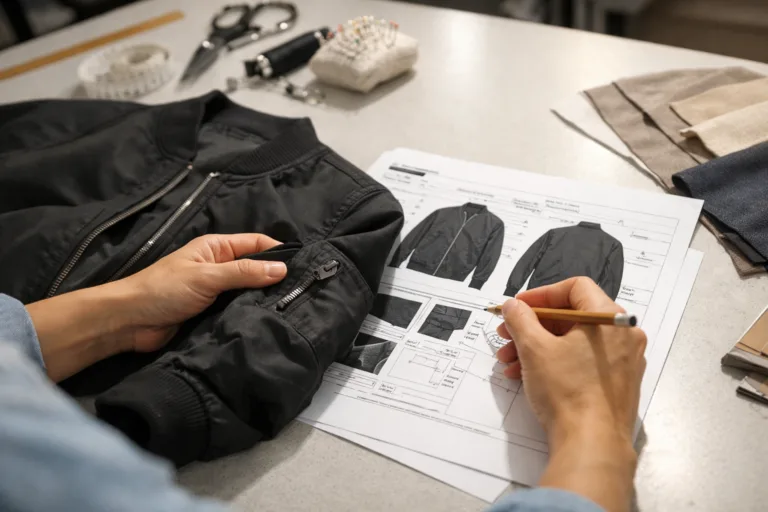
Introduction: Why Tech Pack Updates After Sampling Reviews Matter
Getting a sample back from your manufacturer is always an exciting moment. However, the real work begins when you review it, spot issues, and need to update your tech pack. Whether you’re a startup designer or an experienced production lead, knowing how to update a tech pack after sampling reviews can make or break your next production cycle. In this guide, we’ll walk through practical steps for improving your tech pack post-sample, discuss methods for clear communication, and outline common pitfalls you must avoid. Let’s unlock smoother launches and fewer production headaches.
Understanding Tech Packs and Sampling Reviews
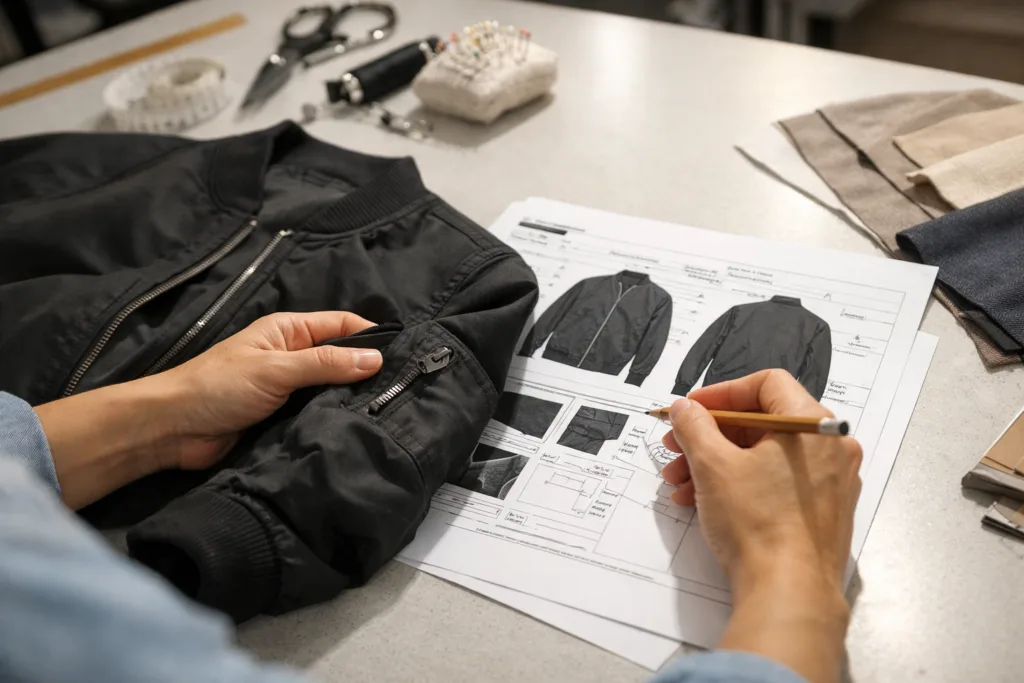
A tech pack is the blueprint for your garment, including details such as construction, fit, and trim. Sampling reviews are systematic checks of a physical prototype to assess whether it matches the intended specifications. If these two steps are misaligned, costly mistakes can happen. Updating your tech pack correctly after sampling reviews is crucial for efficient, accurate manufacturing.
How to Update a Tech Pack After Sampling Reviews
The core of this process begins with thorough sample evaluation, collecting feedback, and using that analysis to adjust your tech pack. This stage is essential for refining every element, from measurements to stitching techniques, which ensures your final product meets both design intent and production criteria.
Analyzing Your Sample Feedback: Gathering Accurate Data
Start by recording every detail from your sampling review. Compare the sample’s measurements with your tech pack’s original specifications. Use measurement charts, fit session notes, and factory QC comments to discover deviations. Apparel Wiki’s guide on garment measurement can sharpen your evaluation technique.
Prioritizing Issues Found During Review
Not all feedback is created equal. Categorize findings by criticality—are they cosmetic, functional, or production affecting? Use a simple table to help prioritize:
| Issue Category | Example | Action Needed |
|---|---|---|
| Fit | Sleeves too long | Adjust measurements |
| Construction | Stitching uneven | Refine tech pack diagrams |
| Trim | Zipper wavy | Change quality spec |
Measurement Chart Updates: Accuracy is Everything
Update your tech pack measurement chart based on the actual sample. Make sure to clearly indicate revised POMs (Points of Measurement), and if necessary, link to guides on creating measurement charts to maintain clarity for manufacturers.
Construction Specs: From Sample to Final Production
Analyze seams, stitch density, finishing, and other construction aspects. If your sample exhibits weak seams or incorrect SPI, reference guides on stitch density and seam strength to update those sections in the tech pack.
Design Detail Adjustments: Honoring the Creative Vision
Check all design elements—graphics, labels, trims. If changes are needed, provide updated artwork files or technical diagrams to avoid misinterpretation. Digital tech packs as discussed in Apparel Wiki’s digital tech pack guide make iterative updates much simpler.
Grading and Sizing Corrections
If your sample’s fit varies across sizes, review grading rules. Use the resource grading rules to clarify necessary tech pack revisions.
Fabric, Trim, and Material Updates
Sometimes, a sample reveals issues with shrinkage, colorfastness, or trim durability. After testing, update the tech pack to specify required tests (see colorfastness testing and shrinkage testing for details).
Specifying Stitching and Hem Instructions
If hems or stitching look off, update your stitch specification and provide clear visual callouts in your tech pack. Apparel Wiki’s hem guide demonstrates the major finishing choices for production clarity.
Addressing Garment Symmetry Issues
When reviewing samples, symmetry concerns such as uneven sleeves can pop up unexpectedly. Refer to sleeve asymmetry insights to update the relevant diagrams and callouts in your tech pack.
Documenting Revision History: A Vital Step
List every change you’ve made after sampling in a clear revision table. Include the date, nature of change, and who approved it. This ensures everyone—from patternmaker to manufacturer—has the latest info.
Visual Callouts and Comments: Communicating Intention
Use annotated images and descriptive comments so nothing gets lost in translation. Apparel Wiki’s comment writing guide covers how to craft direct, actionable notes for factories.
Communicating Updates to Your Manufacturer
Once your tech pack is revised, share every update with the manufacturer in a single, consolidated document. Never rely on ad-hoc emails or chat messages—these can easily be overlooked and cause confusion later.
Clear Version Control: Avoid Costly Mix-ups
Label each tech pack with a version number and date, so everyone knows which file is current. This simple step prevents most production delays and errors that originate from outdated information.
Common Pitfalls to Avoid When Updating Tech Packs
- Failing to log changes after each round of revision
- Being vague in callouts or instructions
- Ignoring sample feedback in grading and size charts
- Not specifying testing protocols for materials
- Leaving old artwork files in the tech pack
Apparel Wiki often sees delays when brands overlook minor changes, which can snowball into major factory confusion.
Tips for Maintaining a Thorough Record of Revisions
Keep a digital folder containing all tech pack versions, sample images, and revision notes. Use spreadsheet-based or software-enabled trackers to automate the process—see how proper documentation speeds up production.
Navigating Feedback Loops with Manufacturers
Establish a routine for sample review, feedback submission, and tech pack update cycles. Friendly, consistent communication fosters trust and clarity. Always set deadlines and confirm receipt of changes.
Refining Your Tech Pack for Production Readiness
After updates, walk through the tech pack with your team or manufacturer to confirm every change is understood and implementable. A final review reduces misunderstandings at the cutting and stitching stages.
Choosing Tools for Efficient Tech Pack Updates
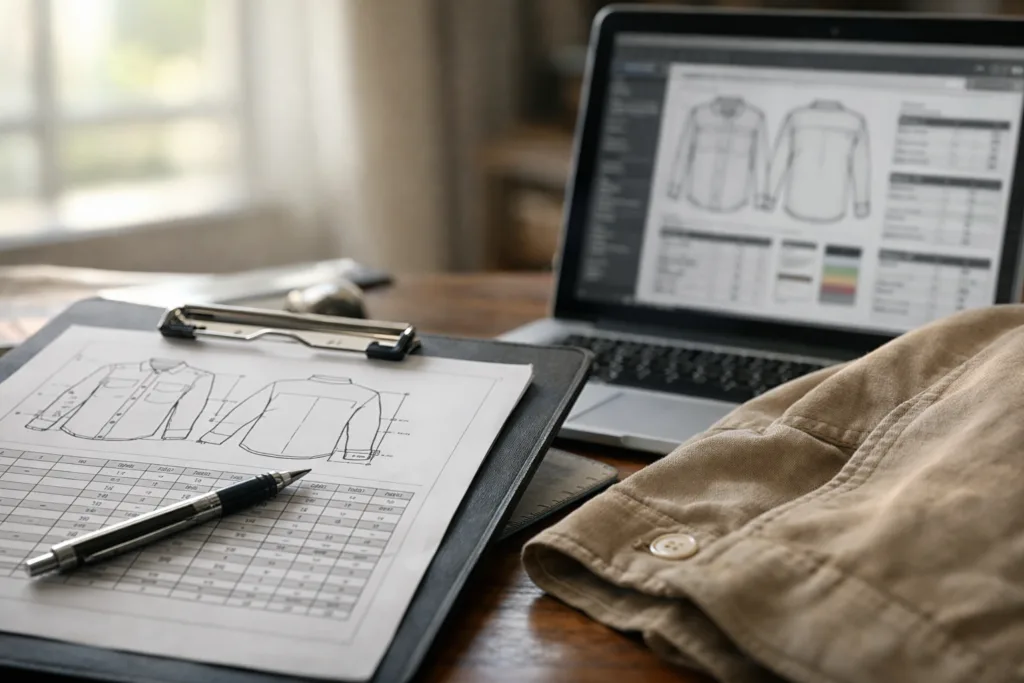
Digital platforms like Techpacker or Adobe Illustrator enable collaborative, visual tech pack editing. Apparel Wiki’s software comparison explores the strengths of each system for tech pack revision workflow.
Case Study: Apparel Brand Streamlines Production With Post-Sample Revisions
One brand reviewed samples for fit and discovered sleeve asymmetry, zipper waviness, and seam quality variance. After updating the tech pack with targeted callouts and clear specification changes, their next bulk run avoided all identified errors and resulted in zero costly rework.
Maintaining Clarity Across Global Teams
If your factory is overseas, prioritize straightforward English, annotated images, and detailed test instructions. This ensures your tech pack is universally understood.
Apparel Wiki’s Quick Decision Guide for Tech Pack Updates
If you’re ever uncertain about tech pack edits post-sampling review, Apparel Wiki recommends prioritizing measurement corrections first, followed by construction specs and trim details, then grading, before moving on to design or artwork.
Streamlining Bulk Production After Sampling Reviews
A well-updated tech pack accelerates bulk approval and minimizes the risk of manufacturing defects. It’s the foundation for dependable sourcing and factory efficiency.
Conclusion: Unlock Smoother Production With Updated Tech Packs

Updating a tech pack after sampling reviews means more than correcting errors—it’s about building a smarter, more resilient production process. Focus on analyzing feedback, documenting changes, maintaining clear communication, and using the right digital tools. By following the steps above, you’ll set the stage for stress-free manufacturing and proud product launches.
Frequently Asked Questions
What is a tech pack and why update it after sampling reviews?
A tech pack is a set of specifications for garment production. Updating it after sampling reviews ensures any issues or improvements are communicated before bulk manufacturing.
How do I prioritize changes from sample feedback?
Focus first on critical fit or quality issues, then address construction and material changes, followed by design details and testing requirements.
How can I make my tech pack updates clearer for manufacturers?
Use annotated visuals, direct callouts, simple language, version numbers, and a dedicated revision table to communicate all updates.
Which tools are best for updating tech packs after sampling?
Software like Techpacker and Adobe Illustrator offer collaborative editing and tracking, while spreadsheets are useful for version control and measurement updates.
What happens if I don’t document tech pack revisions properly?
Poor documentation can cause costly production errors, delays, and repeated sampling. Clear records help teams stay aligned and avoid expensive rework.
How detailed should my sample feedback be before updating the tech pack?
Feedback should include specific fit, construction, and material issues, supported by measurement data, annotated photos, and testing outcomes.
Related Reading
- 15 Mistakes That Cause Tech Pack Delays—And How to Avoid Them
- The Digital Tech Pack Revolution: Smarter, Cleaner Fashion Manufacturing
- Proven Techniques for Writing Comments That Factories Actually Follow
- Essential Measurement Points Every Garment Developer Should Know
- Size Grading Secrets: Scaling Your Styles with Confidence
- Which Tech Pack Platform Should You Choose? A Real-World Comparison