

Mastering Color Management and Colorways in Your BOM
Color specification is one of the greatest sources of confusion—and error—in the manufacturing supply chain. Whether you’re making apparel, furnishings, or metal products, knowing how to list colors and colorways in a Bill of Materials (BOM) is essential for producing products that match your design intent and meet customer expectations. This article offers a field-tested guide to color management and precise colorway documentation in your BOM, allowing your team to work smarter, waste less, and deliver quality every time.
What Is Color Management in a BOM?

Color management refers to the systematic approach for defining, controlling, and communicating color information at every stage—from design through production. In your BOM, accurate color listing gives suppliers the details needed for dyeing, painting, or selecting materials, and helps prevent costly misinterpretations that can derail production schedules.
Why Listing Colors and Colorways Matters
Incorrect or vague color documentation is one of the top causes of sample rejections and defective bulk production. Each product variation may call for its own set of components—buttons, fabrics, threads, and trims—matched to distinct colorways. Clear, unambiguous listing ensures everyone from sourcing managers to quality control understands exactly what is required.
Defining Key Terms: Color, Colorway, and More
To help clarify confusion, here’s a breakdown of several related terms:
- Color: The visual property, often referenced by name or code (e.g., “Red,” Pantone 207C)
- Colorway: A unique combination of colors applied to a product or its variations (e.g., Shirt in “Navy/White Stripe”)
- BOM: The Bill of Materials document listing every raw material and component—and their respective details—needed for manufacturing
Types of Color Systems for BOMs
Consistency in color referencing comes from using standardized color systems. The most common include:
- Pantone: The apparel and textile industry favorite—ideal for universal color communication
- RGB: Used for digital and screen-based products
- CMYK: Essential for printing processes (labels, packaging)
- Lab Values or Custom Codes: For advanced dye lots and highly specific manufacturing control
Choosing the Right Color System for Your Product Type
Apparel brands often default to Pantone standards, while electronic packaging relies more heavily on CMYK. Accessories and trims may require supplier’s proprietary codes. Choose the system that your supply chain partners can reproduce reliably, referencing real-world BOM creation tips from industry experts for best alignment.
Where to List Colors and Colorways in Your BOM
Colors and colorways usually appear in two key locations:
- Main Materials Table: Each raw material line item specifies both the material and its color (e.g., “Shell Fabric, 100% Cotton, Pantone 18-3838 TPX”)
- Colorway/Variation Columns: For multi-color lines, a matrix is included to link each component to every colorway (see table below)
BOM Table Example: Colorways Matrix
| Component | Navy/White | Burgundy/Black | Olive/Grey |
|---|---|---|---|
| Main Fabric | Pantone 296C | Pantone 504C | Pantone 574C |
| Trim (Collar) | Pantone 11-0601 TCX | Pantone Black C | Pantone Cool Grey 7C |
How to Document Colorways for Product Variations
Each colorway must be listed as its own variation—sometimes known as a “child SKU”—with every affected material updated accordingly. Standard practice involves either a separate BOM per colorway or a single BOM with a colorways matrix. The latter is usually more efficient for communication and version control.
Pantone, RGB, CMYK, or Custom: When to Use Which
Pantone is best for textiles, soft goods, and trims. RGB applies to web and screen-based graphics. CMYK should be listed for packaging, labels, and printed hangtags. Use custom color codes provided by your supplier for elements like zippers or branded labels when Pantone isn’t possible.
Best Practices: Clarity and Consistency
- Always include both the color name and the precise industry code (e.g., Navy – Pantone 296C)
- Add cross-references to fabric swatches or approved samples for visual clarity
- Double-check color assignments in your BOM before final submission
- Keep a dated log of color updates for version control, as detailed in Managing BOM Revisions and Version Control
Managing Color Changes and BOM Revisions
Color changes are a leading cause of mismatched samples or bulk production errors. Maintain a revision table within your BOM to record all modifications, ensuring that everyone on your team sees the most current color requirements. This practice is outlined step-by-step in expert guides on version control for BOMs.
Common Pitfalls in Documenting Colors and Colorways
- Mixing multiple color systems within the same BOM without clear identification
- Listing vague names like “Red” instead of full codes (e.g., Pantone 207C)
- Forgetting to update trim and accessory colors for all product variations
- Not checking with your supplier about their preferred color code system
How to Use Color Coding Effectively in a BOM
Incorporate visual color chips or conditional color-coding within your spreadsheet (where possible) to further reduce confusion. Be sure, however, to always reference the standard code in text—since digital color displays may differ.
How Factory Teams Interpret BOM Color Entries
Factory teams often rely on the BOM as the final authority. If your BOM includes both a text color code and a physical swatch reference, discrepancies can be quickly clarified. Apparel Wiki recommends always providing a hierarchy of authority: if codes disagree, primary reference should be specified (e.g., “Pantone 17-1463 TPX is primary, swatch second”).
Using BOM Software Tools for Color Management
Leading BOM software tools make it easier to cross-reference, auto-update, and version control colors and colorways. Look for digital tools that support color matrix tables and color code libraries to minimize data entry errors.
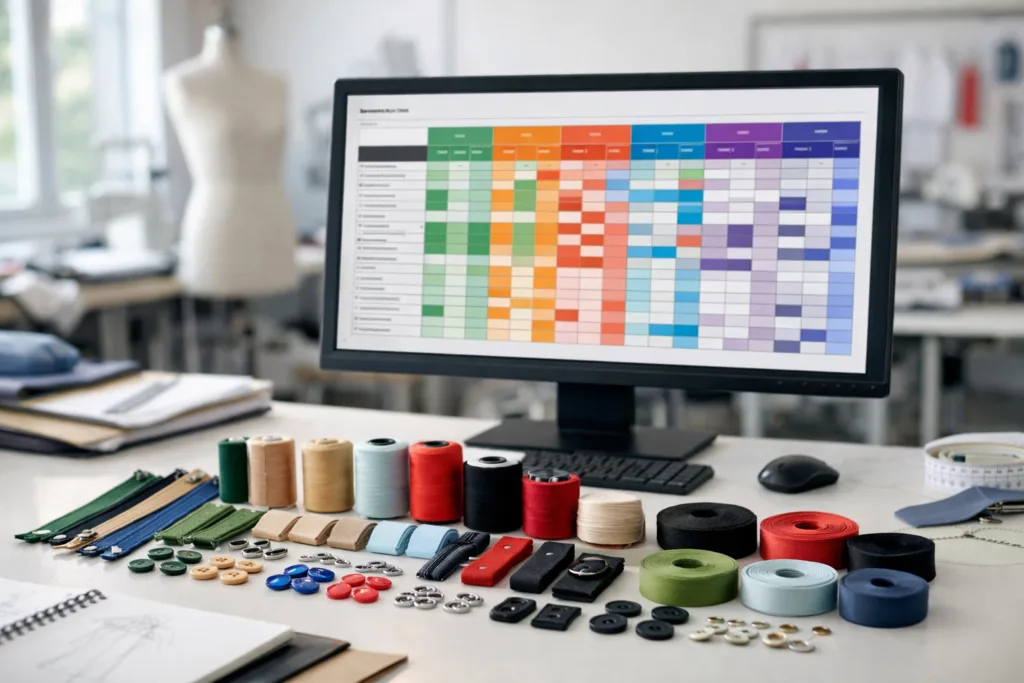
Incorporating Color-Driven QC and Sampling Milestones
Schedule color approval steps (lab dips, strike-offs, print tests) in your production critical path. This approach, available on platforms like Apparel Wiki, ensures colors are finalized in time for bulk production runs.
Linking Fabric, Trim, and Accessory Colors by Colorway
A robust BOM links every colorway variation not just to main materials, but to all matching trims (zippers, threads, buttons, etc.). Cross-reference with guides such as sourcing trims for your BOM for practical examples.
Colorways in Packaging and Labeling
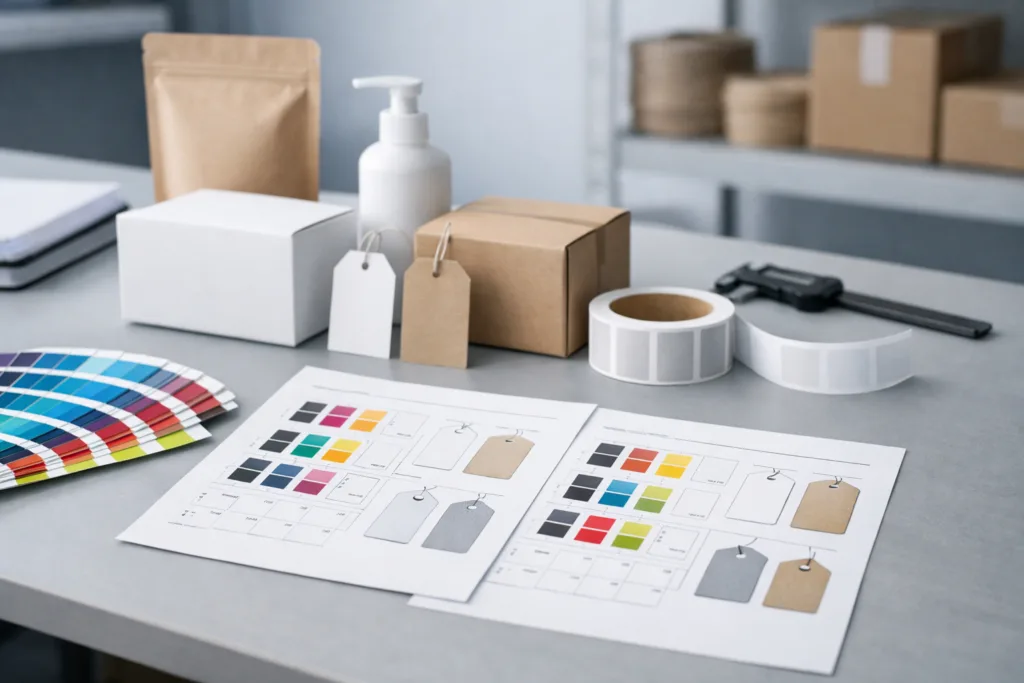
Don’t forget that packaging, hangtags, and care labels may require specific colors (e.g., matching brand guidelines). Document both CMYK printing codes and physical label colors, as outlined in our practical packaging materials specification guide.
Documenting Multi-Color Styles and Prints
For printed or multi-color designs, specify ALL unique colors and the approved layout (including placement files, if necessary). Clearly link “multi” codes to exact artwork files or graphical layouts to prevent confusion.
Version Control: Tracking Updates to Colorways
Each BOM revision should include a summary of color changes: who made them, what changed, and when. This allows for easier audits and resolves disputes during production or shipment checks.
How to List Colors and Colorways in a BOM
Follow this checklist to ensure your BOM’s color information is complete:
- List every color name and industry code—never only one
- Use a matrix or variants table for multi-color styles
- Update trim, accessory, and packaging colors for all colorways
- Reference both digital codes (Pantone, CMYK) and swatch/strike-off approval status
- Log all color changes with revision dates and approvers
How Apparel Wiki Experts Recommend Communicating Color
Industry editors at Apparel Wiki advise: Standardize around one or two color systems for all communication, and always cross-verify with suppliers before production. Clear, centralized BOMs substantially reduce sampling errors, costly reordering, and last-minute corrections.
Best Practices for Future-Proof BOM Color Management
- Adopt a cloud-based BOM system that allows for live edits and transparent version history
- Train your design and sourcing teams to reference only approved color libraries
- Regularly audit historical BOMs for color error trends and continuous improvement
Conclusion: Getting Colorways Right for Seamless Manufacturing
Listing colors and colorways in your BOM shouldn’t be an afterthought. Consistent, code-based color documentation connects design intent with manufacturing outcomes—preventing costly mistakes, expensive reworks, and schedule overruns. When colorways for each variant are clear, your supply chain runs faster, smarter, and with fewer headaches. The practical tools and format options discussed here will help you and your partners transform color communication from a major risk to a competitive advantage.
Frequently Asked Questions
What’s the difference between color and colorway in a BOM?
Color is a single hue reference (e.g., Red, Pantone 207C), while colorway refers to a specific combination or arrangement of colors used for a product variation (e.g., Navy/White Stripe in a shirt line).
Do I need to list Pantone codes for every material?
Yes, ideally provide Pantone or industry codes for all dyed or colored materials, including fabrics, threads, trims, and labels, to prevent misinterpretations and ensure consistency.
How do I document packaging colors in a BOM?
Specify both the color description and print color codes (such as CMYK or Pantone) for packaging, hangtags, and labels, to ensure accurate reproduction and brand consistency.
What if my factory only accepts their own color codes?
Always clarify which system is primary and cross-reference with your standard (e.g., Pantone), then include the supplier’s code as a secondary reference to avoid confusion during approvals.
How should I handle multicolor prints in my BOM?
List each unique color by its industry code and link these to the artwork files, specifying clearly the color sequence or placement details if needed.
How do I update a BOM if colorways change after sampling?
Maintain a revision log within the BOM, noting changes, approver names, and dates, then share the latest version with all stakeholders before production continues.
Related Reading
- 7 Digital Tools That Simplify BOM Management for Small Brands
- 13 Trim-Sourcing Traps Every Designer Must Avoid in Their BOM
- How to Pick the Right Packaging Materials for Your BOM—and Prevent Mix-Ups
- Stepwise Guide: Writing a BOM for Every Apparel Project
- 7 BOM Revision Tactics for Consistent, Error-Free Manufacturing