Introduction: The Critical Role of File Formats in 3D Fashion Tech
In the rapidly evolving landscape of fashion technology, file formats have become critical connectors between creativity and technical execution. Whether you’re a designer pushing boundaries with digital garments or a developer integrating assets into AR platforms, understanding file formats like GLB, OBJ, and FBX is essential. With advancements in 3D fashion modeling and digital workflows, these formats shape how virtual garments are designed, presented, and experienced. This guide dives into the intricacies of these top formats — comparing their features, benefits, and applications in the fashion tech ecosystem.
What Are 3D Fashion Modeling File Formats?
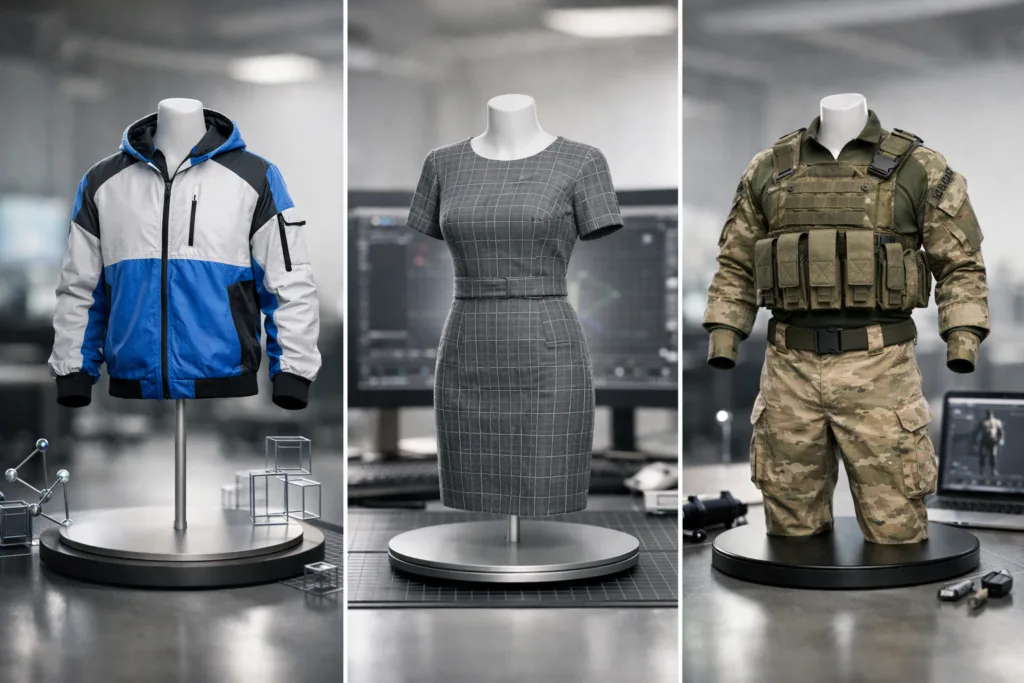
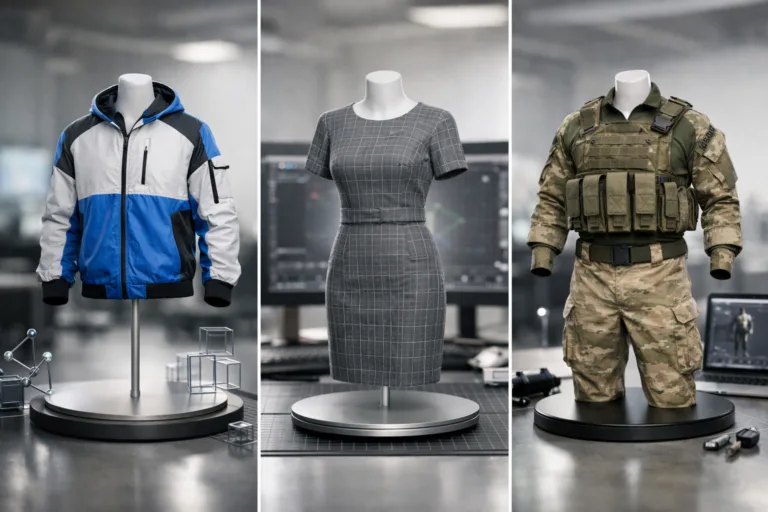
3D fashion modeling file formats are digital containers that store vital information about a garment or accessory’s shape, texture, materials, and sometimes animations. In the apparel industry, these formats enable seamless integration with design tools, virtual fitting solutions, and AR experiences.
Why File Format Choice Matters
Your file format impacts fidelity, workflow compatibility, and how well your designs can be shared or utilized in various applications.
Overview of GLB, OBJ, and FBX Formats
GLB, OBJ, and FBX each offer distinct advantages for digital garment workflows. Let’s look at their origins and core attributes.
GLB Explained
GLB is the binary form of the glTF format, designed for efficient transmission and rendering of 3D models. It supports geometry, textures, materials, and animations in a compact package — ideal for web and AR applications.
OBJ Explained
OBJ is a straightforward format focusing on geometry data. Its simplicity means wide compatibility, but it lacks built-in support for complex animations and advanced materials. It’s popular for garment prototyping and rapid sharing among designers.
FBX Explained
FBX is a feature-rich format from Autodesk, supporting mesh, materials, textures, and sophisticated animations. It’s favored for connecting fashion CAD software to rendering and visualization platforms.
Comparison Table: GLB, OBJ, and FBX in Fashion Tech
| Feature | GLB | OBJ | FBX |
|---|---|---|---|
| Geometry Support | Yes | Yes | Yes |
| Texture Support | Yes | Basic | Yes |
| Animation Support | Yes | No | Advanced |
| Compression | Efficient | Limited | Variable |
| Web/AR Compatibility | Excellent | Moderate | Good |
When to Use GLB, OBJ, or FBX in Fashion Design
Select your format based on project requirements:
- GLB: Use for browser-based previews, virtual showrooms, and seamless AR integration.
- OBJ: Ideal for sharing simple mesh data and garment geometry among design teams.
- FBX: Best for projects needing animation or advanced interaction, such as fitting simulation platforms.
GLB, OBJ, and FBX in Fashion Tech
These formats power digital workflows throughout the modern apparel value chain:
- Virtual fitting rooms use GLB and FBX for realistic movement and fit simulations.
- OBJ files support rapid prototyping of garment shapes and overlays for CAD workflows.
- GLB provides fluid asset transfer for AR garment previews on mobile and web.
- FBX enables rich digital runway presentations and dynamic garment animations.
How Digital Garment Rendering Depends on File Formats
Digital fabric rendering relies heavily on file format capabilities. For example, GLB’s support for PBR (Physically Based Rendering) materials allows for more lifelike texture and drape visualizations. If you want to learn how to digitize texture and drape, explore digital fabric rendering.
Integrating 3D Modeling with Fashion CAD Systems
Most CAD tools support OBJ and FBX for interoperability. Designers can create garments in software like CLO3D or Browzwear, then export assets for simulation or presentation. A comparison of these platforms can be found in CLO3D vs. Browzwear.
File Format Impact on Virtual Showrooms
Virtual showrooms are reshaping the industry, allowing buyers and brands to experience garments digitally. GLB’s compact and web-friendly nature has enabled faster load times and richer interaction, while FBX enhances visual fidelity. Find out more about this revolution in creating virtual showrooms with digital garments.
AR & VR Applications: Choosing the Right Format
AR apps favor GLB for efficient streaming, while VR runway shows may use FBX for immersive animation. OBJ is often used for quick mesh sharing or base geometry.
Digital Avatars and Virtual Fitting: Format Influence
FBX is preferred for avatar animation and fitting simulation, while GLB brings avatars to AR platforms. OBJ provides simple mesh but lacks advanced rigging. See how customizing body shapes improves fitting in digital avatars for fitting.
Workflow Compatibility: From Design to Production
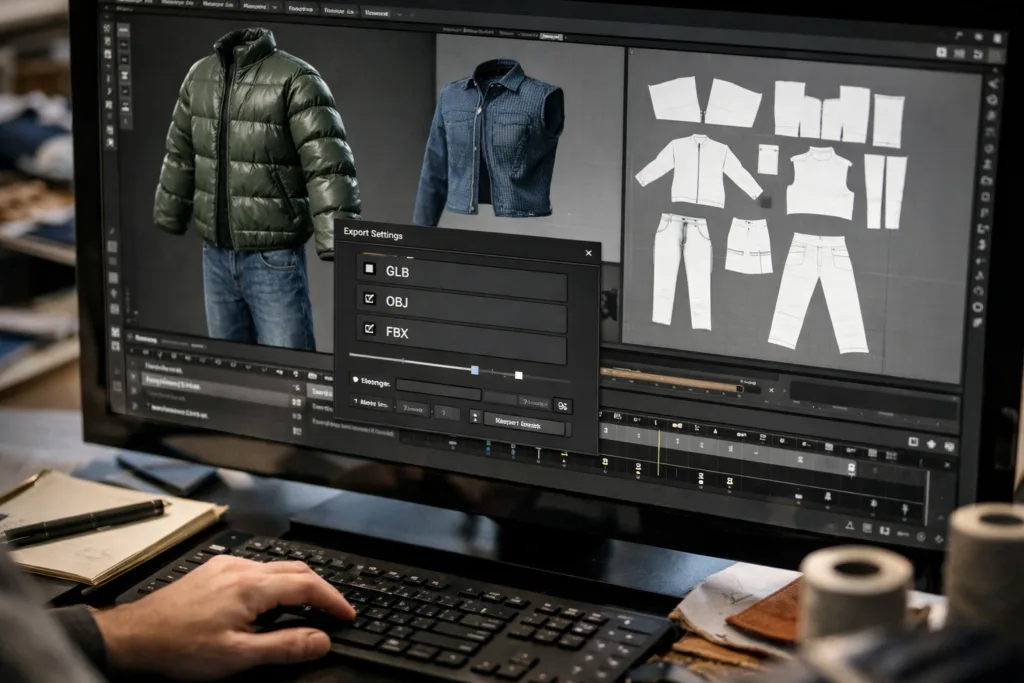
Choosing the right format avoids compatibility headaches. Apparel Wiki advises matching formats to your core software tools and checking for plug-in or conversion options early in the workflow.
Impact on Asset Quality and Fidelity
GLB’s binary compression can reduce quality if not managed carefully. OBJ’s simplicity offers accuracy for mesh, but visual details depend on supplementary files. FBX handles high-fidelity, animated assets — but may introduce complexity.
File Size Considerations for 3D Garments
GLB is typically smaller and optimized, which is ideal for mobile and web. OBJ files grow with mesh complexity, and FBX sizes fluctuate based on animations and texture richness.
Ease of Collaboration and Sharing
OBJ allows easy sharing among designers due to its universality. GLB is best for quick AR previews, while FBX is chosen for animation-heavy projects sent to technical teams.
Industry Case Studies: File Format Choices
Global brands leverage GLB for online lookbooks and AR previews. High-end studios use FBX for animated digital showrooms. Fast-fashion teams prefer OBJ for rapid prototyping and mesh exchange.
Common Mistakes When Selecting 3D File Formats
- Overlooking needed animation support
- Failing to check texture compatibility
- Ignoring file size limitations for mobile/web
Apparel Wiki often sees teams running into workflow bottlenecks when formats aren’t verified in context — planning ahead prevents confusion.
Practical Tips for Format Conversion and Optimization
- Always use dedicated conversion tools to maintain asset quality
- Preview files in end-use apps before finalizing format
- Compress wisely; avoid excessive optimization that reduces garment realism
Future Trends: Evolving Format Standards in Fashion Tech
Open formats like GLB are gaining traction, with industry-wide push toward real-time rendering and increased interoperability. OBJ remains for legacy processes, while FBX adapts for advanced animation and simulation. Expect richer asset pipelines and more AI-driven conversion in years ahead.
How File Formats Affect the Learning Curve in 3D Fashion
Mastering file formats usually accelerates designers’ ability to leverage 3D tech. For insight into the ROI and time investment, see ROI of mastering 3D Fashion Design.
How BOM and Costing Relate to Digital File Formats
As brands digitize BOMs (Bills of Materials), understanding file formats helps accurately render component lists and costs in production apps. OBJ and GLB become crucial when integrating visuals and costing sheets.
Tools for Managing Multiple 3D File Formats
Popular tools include Blender, CLO3D, and proprietary plug-ins. Each tool supports different formats, so choosing wisely supports workflow efficiency.
Spotlight: Apparel Wiki’s File Format Decision Rules
Apparel Wiki suggests evaluating format needs by project goal: web and AR (GLB), fast geometry sharing (OBJ), or animation-heavy assets (FBX). Always review your export settings for optimal results.
Summary of Key Takeaways for Designers
- GLB offers fast, web-friendly delivery for digital garments
- OBJ keeps geometry universal and easily exchangeable
- FBX powers animation and advanced garment experience
Frequently Asked Questions
Which file format is best for virtual fitting rooms?
FBX is often preferred for virtual fitting rooms thanks to its support for animations, while GLB can be used for web-based applications with simplified fitting.
Can OBJ files be used for 3D garment animations?
OBJ files do not natively support animations. If animation is essential, FBX or GLB should be chosen for 3D fashion modeling projects.
How do file formats affect quality in AR fashion apps?
GLB offers efficient streaming and decent visual fidelity. High-quality materials and textures are preserved best in FBX, while OBJ may require extra files for texture fidelity.
What tools support GLB, OBJ, and FBX formats?
Popular tools like Blender, CLO3D, Browzwear, and several AR platforms support all three formats, ensuring broad compatibility in fashion tech workflows.
Why does file size matter in 3D fashion modeling?
File size affects how quickly assets load on mobile or web. GLB is ideal for smaller, optimized files—perfect for AR or browser-based previews in digital fashion.
How do I decide which format to use for my project?
Match format features with project needs: GLB for web and AR, OBJ for geometry exchange, and FBX for animation or advanced visualization.
Related Reading
- Unlock Next-Level Texture: Digital Fabric Rendering for Realistic Garments
- Revolutionize Your Retail Experience: Virtual Showrooms with Digital Garments
- Game-Changing Body Avatars: Enhance Fit and Sales with Customization
- Choosing the Best: CLO3D vs. Browzwear—A Designer’s Guide to 3D Fashion Platforms
- Design Smarter: Real ROI from Mastering 3D Fashion Tech